Introducing Schedopia: the free WordPress booking plugin you can talk to
Schedopia is a free, self-hosted WordPress booking plugin for appointments and seat-mapped events. 1.4.0 adds MCP so you can run it from ChatGPT or Claude.
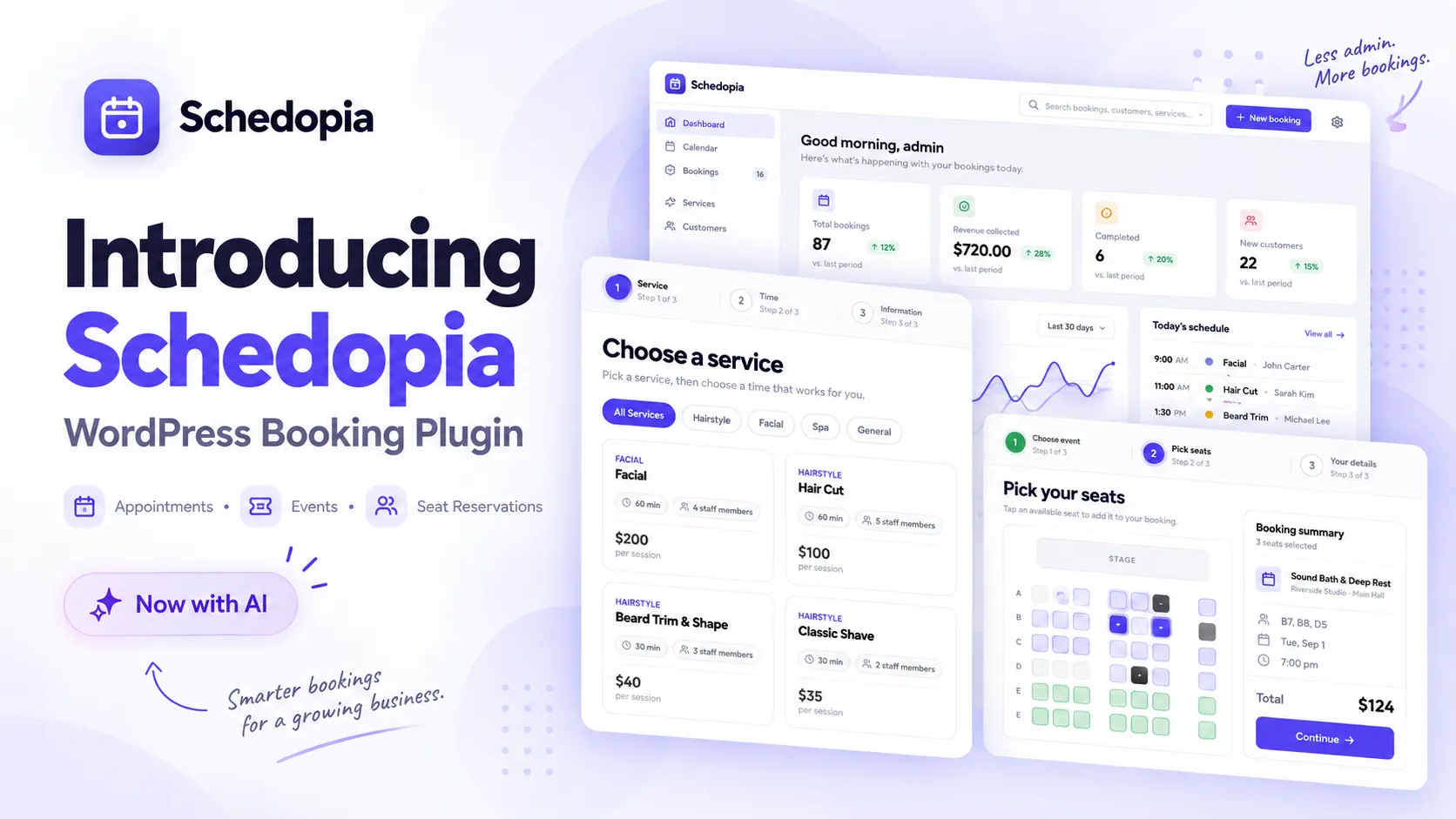
A customer wants a haircut at four on Friday. Or two seats near the front for Saturday’s show. They should be able to open your website, see what’s free, pick it and be done. No phone call, no email thread, no “we’ll get back to you”.
On your side of the counter, you should not need one plugin for services, another for staff schedules, a third for events, and a spreadsheet holding the whole thing together.
That is the gap we built Schedopia to fill.
What is Schedopia?
Schedopia is a free, self-hosted WordPress booking plugin for appointments, staff scheduling and events with visual seat selection. It runs inside your WordPress dashboard, keeps its data on your own site and charges no per-booking fees.
It suits salons, clinics, consultants, studios, workshops, classes, small theatres and event venues. If people book a time with you, or a seat, it is meant for you.
Since version 1.4.0 you can also connect an AI client (ChatGPT, Claude, Cursor, Codex or Claude Code) and run the booking system by asking for what you want. More on that further down.
Schedopia at a glance:
- Two booking modes: appointments and seat-mapped events
- Free, from the WordPress Plugin Directory
- Self-hosted, with no third-party services loaded by default
- No per-booking fees or seat commissions
- Works with the block editor and Elementor through a shortcode
- WordPress 6.5 or newer (6.9 or newer for the AI connection)
Two booking modes in one plugin
A salon and a theatre do not book the same way. One needs “pick a service, a stylist, a day and a time”. The other needs “pick a show, then pick your seats”. Plenty of plugins do one of these well and the other awkwardly. Schedopia does both, in the same plugin, with the same admin.
Appointment booking
Create your services, assign staff, add working hours, and customers see only the times that are actually open.
Each service carries its own price and duration. You can also give it a booking capacity, a buffer before or after, a slot interval, a minimum booking notice and optional add-ons. Staff members get their own schedules and days off.
Before a booking is accepted, Schedopia checks availability again and saves the booking inside a transaction, so two customers cannot land on the same slot at the same moment. That sounds like a small detail until it happens to you on a busy Saturday.
Event booking with seat selection
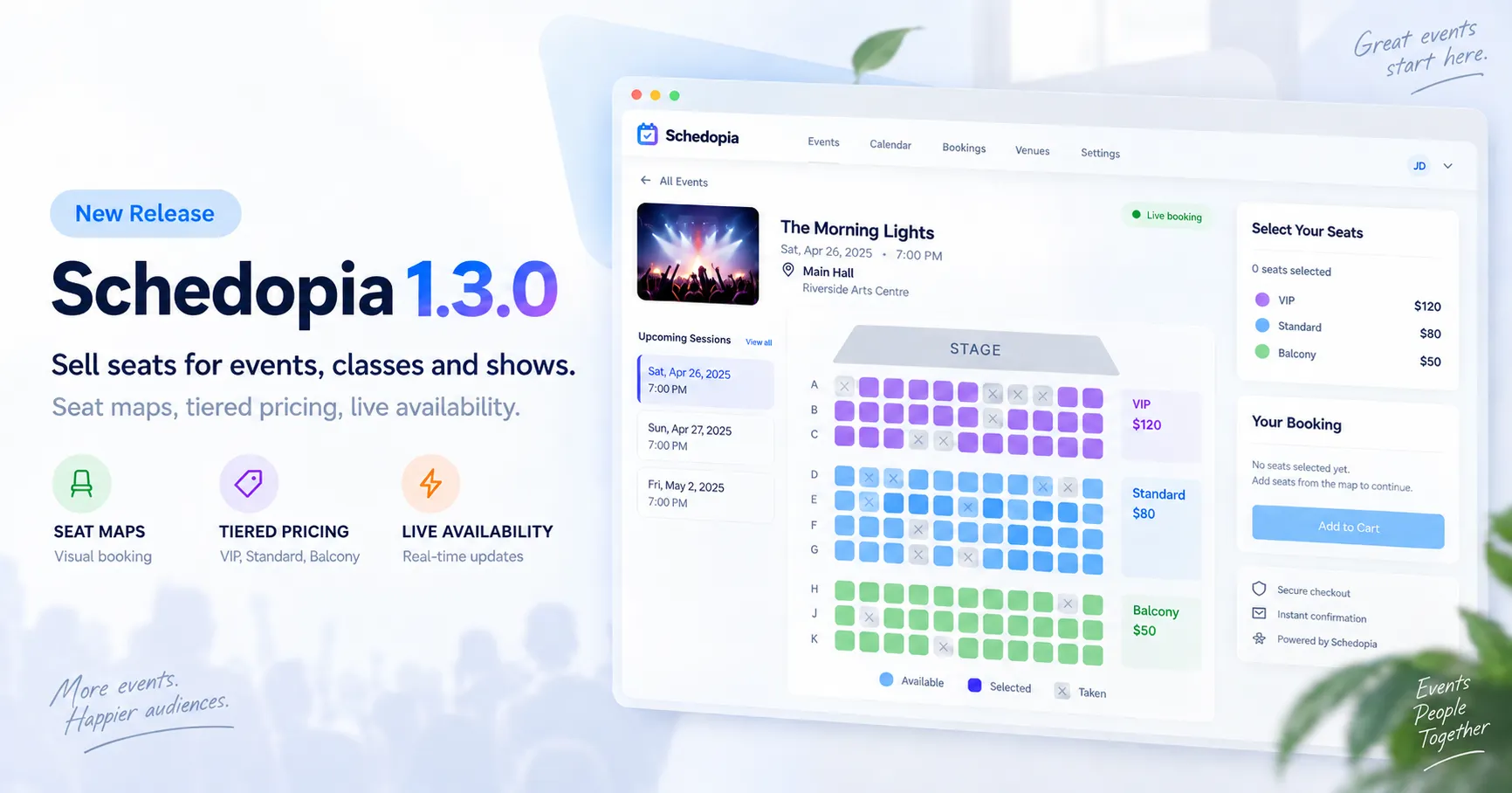
For events, you create a venue, add halls and draw a seat map with rows and aisles. Seats go into tiers (VIP, Standard, Balcony, or whatever you call yours). Each tier has a price, and any single seat can override that price if it needs to.
When a customer books, they see the map. Seats that are already reserved show as unavailable, so nobody sells the same seat twice for the same event.
This is what makes Schedopia useful beyond one-to-one appointments: yoga classes, workshops, seminars, community events, small performance spaces.
A booking form that looks like your site
The booking form is the point where a visitor becomes a customer, and it should not look like a widget someone bolted on.
Schedopia includes a live design customizer for the form. Colors, typography, button styles, corner shapes, and every piece of customer-facing text: step titles, field hints, button labels, all of it. Change something and the preview updates while you watch.
The wording matters more than people expect. “Choose your practitioner” and “Select staff” mean the same thing and feel completely different. You get to decide which one your customers read.
When you are happy with it, put the shortcode on any page:
[schedopia_booking]For a dedicated event booking page:
[schedopia_booking mode="event"]The shortcode works in the block editor and in page builders such as Elementor.
Scheduling rules that match how you work
Set your business hours, then give each staff member their own schedule. Add buffers for setup and cleanup. Decide how far apart start times appear. Set a capacity when more than one customer can share a slot. Require a minimum notice so nobody books something that starts in ten minutes.
And when one service needs different rules from everything else, override the defaults for that service only.
Notifications without the follow-up work
Schedopia sends booking confirmations, cancellation emails, reminders and notifications to your team. You choose whether new bookings confirm on their own or wait for someone to approve them.
Customers get a secure cancellation link in their email, so they can cancel without creating a WordPress account. The confirmation email also lets them add the appointment to Google Calendar, Outlook or Apple Calendar.
One dashboard for the whole operation
Everything sits in one place in WordPress admin: upcoming bookings, a team calendar, customers and their history, manual and offline payments, and the services, staff, events, venues and seat maps behind them. Filter bookings by staff, service or status, and export the filtered list to CSV when the accountant asks.
Your team can also subscribe to a read-only calendar feed from Google Calendar, Outlook or Apple Calendar, so bookings show up next to whatever else is on their day.
Your booking data stays on your website
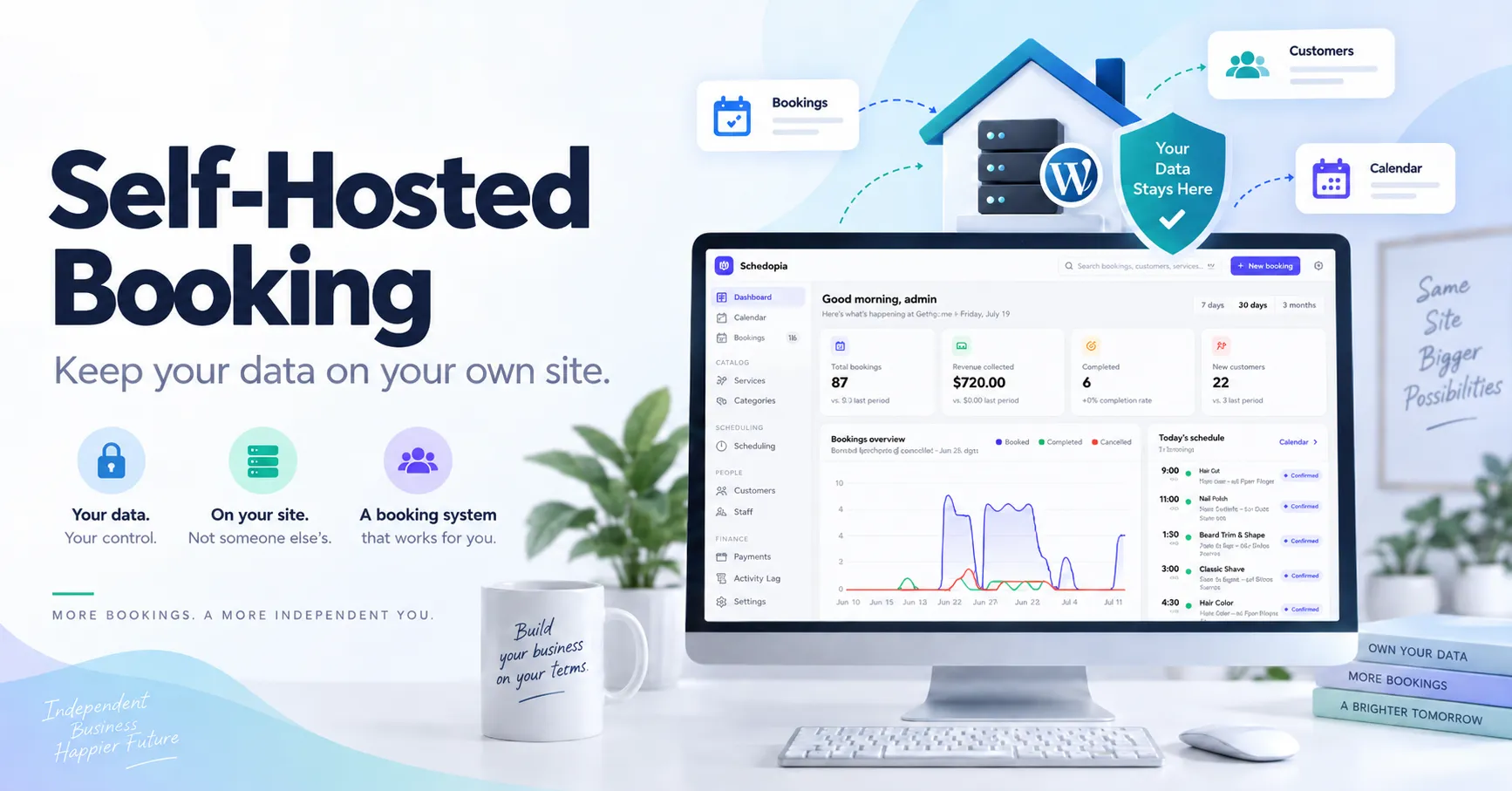
Schedopia is self-hosted. Bookings, customers, services, staff, events: all of it is stored in your own WordPress installation. There is no external booking service in the middle, and no per-booking fee or seat commission from us.
By default the plugin loads nothing from third parties. Google reCAPTCHA is available as an option, and it stays off until you turn it on.
This was a deliberate choice. If a booking system is what keeps your business running, it should live somewhere you control.
Manage your bookings by talking to an AI
This is the part of Schedopia we are most excited about. It is also the newest, so expect it to keep growing.
Starting with Schedopia 1.4.0, you can connect an AI client to your booking system through MCP (Model Context Protocol). We call the feature Connect your AI. ChatGPT, Claude, Cursor, Codex and Claude Code are supported.
Instead of finding the right admin screen, you ask:
- “Who’s booked tomorrow?”
- “Is anyone available at 4 PM?”
- “Block Friday afternoon.”
- “Add a 45-minute consultation for £60.”
The assistant works against the same booking system running on your site. Schedopia currently exposes 51 tools, covering bookings, services, staff, customers, payments, venues, events, seat maps, booking-form design and settings.
Some of the guard rails, because handing an AI the keys to your calendar deserves a few:
- Read access is on once you enable the feature. Tools that change or delete data stay off until you switch them on yourself.
- The assistant runs with the permissions of the WordPress user who approved it, so it cannot reach anything that user could not reach.
- Every call is written to Schedopia’s activity log.
- The plugin never sends your bookings to an AI service. Your approved client connects to your site and requests what it needs, when it needs it.
Connect your AI needs WordPress 6.9 or newer. Everything else in Schedopia works on WordPress 6.5 and up.
Who Schedopia is for
For appointments:
- Salons and barbershops managing services, durations, prices and per-stylist schedules
- Clinics and therapists managing practitioner availability and booking rules
- Tutors, coaches and consultants selling one-to-one sessions around their working hours
- Photographers and studios who need setup and turnaround buffers between sessions
- Repair and automotive businesses using slot capacity to take several customers at once
For events:
- Fitness and yoga studios where attendees reserve a specific spot
- Workshops and classes with a fixed number of places
- Community venues organizing events around halls and seating layouts
- Small theatres and performance spaces with tiered seat selection
Getting started
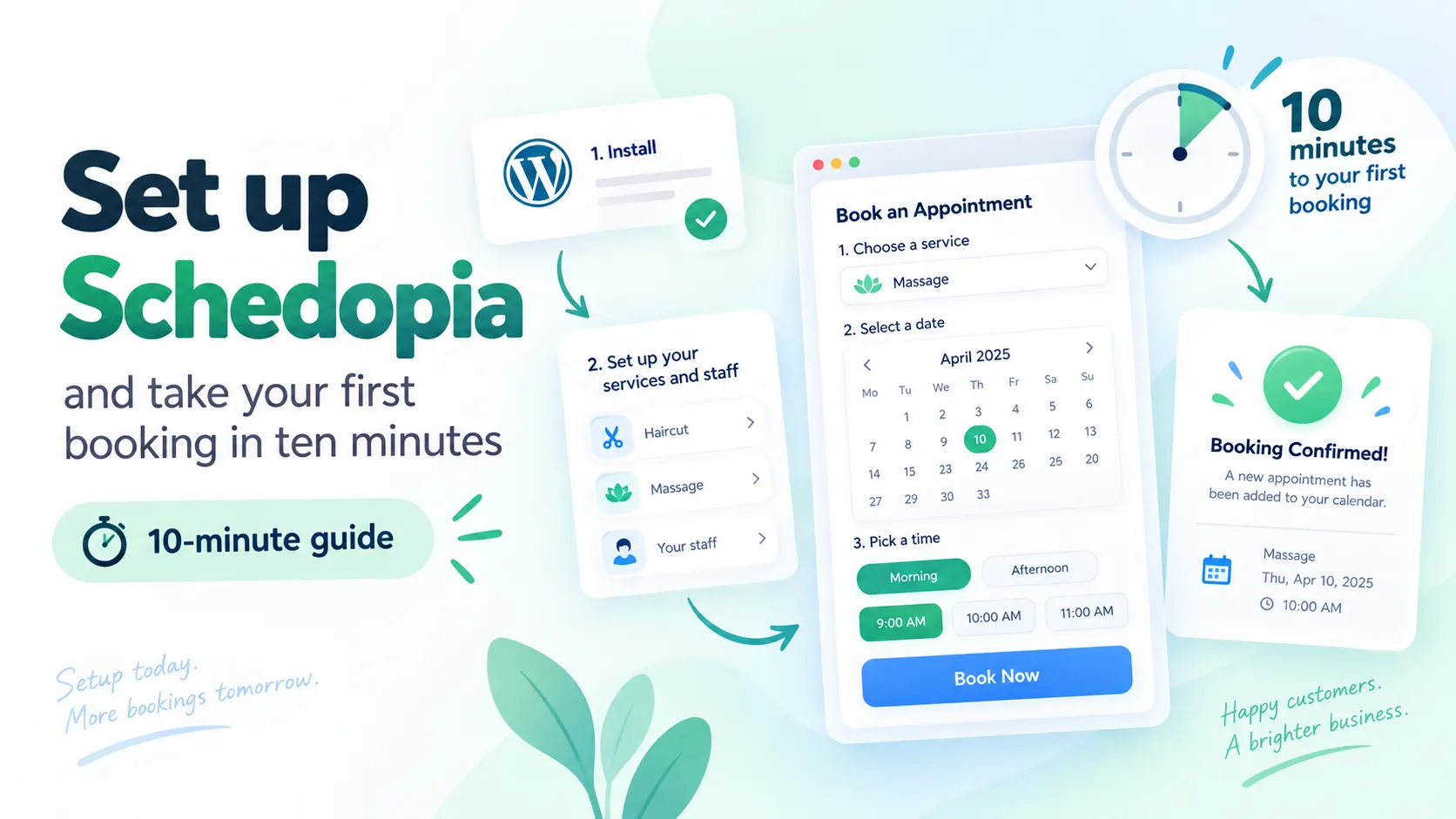
Install Schedopia from the WordPress Plugin Directory and activate it. A guided setup asks what kind of booking you want to offer and walks you to your first bookable page.
For appointments, add your services, staff and working hours. For events, create a venue, build its seat map and add your first event. Then put the shortcode on a page and publish. It is a few minutes of work, not an afternoon.
Where this goes next
We built Schedopia on a simple belief: booking on WordPress can be capable without being complicated. Appointments, events, customers, staff and schedules, all managed from the platform you already own.
Connect your AI shipped with 51 tools in 1.4.0, and that number will grow. If there is something you wish you could ask your booking system, tell us on the plugin’s support forum.
Schedopia is free and available now.
Frequently Asked Questions
Is Schedopia free?
Yes. Schedopia is free to install from the WordPress Plugin Directory, and there are no per-booking fees or seat commissions.
Does Schedopia handle both appointments and events?
Yes. Appointment mode books services with a staff member, date and time. Event mode lets customers pick seats on a map for a dated event. Both run from one plugin.
Does Schedopia work with Elementor?
Yes. The [schedopia_booking] shortcode works in the WordPress block editor and in page builders such as Elementor.
Where is my booking data stored?
On your own WordPress site. Schedopia is self-hosted and does not route bookings through an external service.
Which WordPress version does Schedopia need?
WordPress 6.5 or newer for the plugin itself. The Connect your AI (MCP) feature needs WordPress 6.9 or newer.
Can I manage Schedopia with ChatGPT or Claude?
Yes, from version 1.4.0. Enable Connect your AI, approve a client such as ChatGPT, Claude, Cursor, Codex or Claude Code, and it can read your booking data. Tools that write or delete stay off until you enable them.
Does Schedopia stop double bookings?
Yes. Appointment slots are checked and saved inside a transaction, and reserved seats show as unavailable on the event seat map.