Blog

The Schedopia blog

Notes from the team building Schedopia. Release notes, setup guides, and the occasional argument for keeping your booking data in your own database.

New posts land about once a month. Follow along by RSS or the newsletter in the footer.

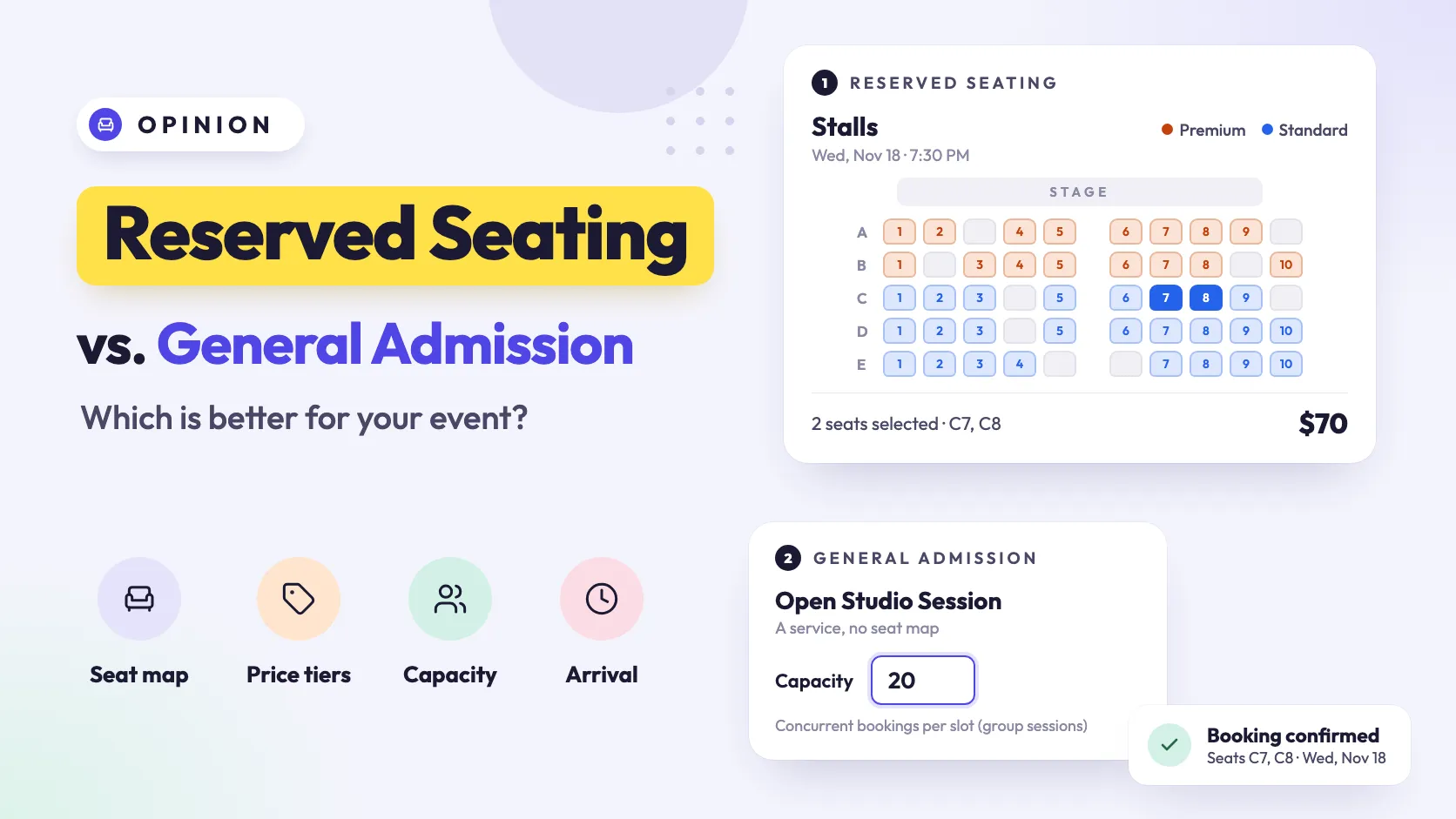
  1. A seat map of the Stalls with Premium and Standard tiers and two seats selected, beside a service with a capacity of 20, under the title Reserved Seating vs. General Admission: Which is better for your event?

    Reserved Seating vs. General Admission: Which Is Better for Your Event?

    Reserved seating vs general admission: when a seat number sells better, when an open room holds more people, and how to choose for a theater, hall or class.
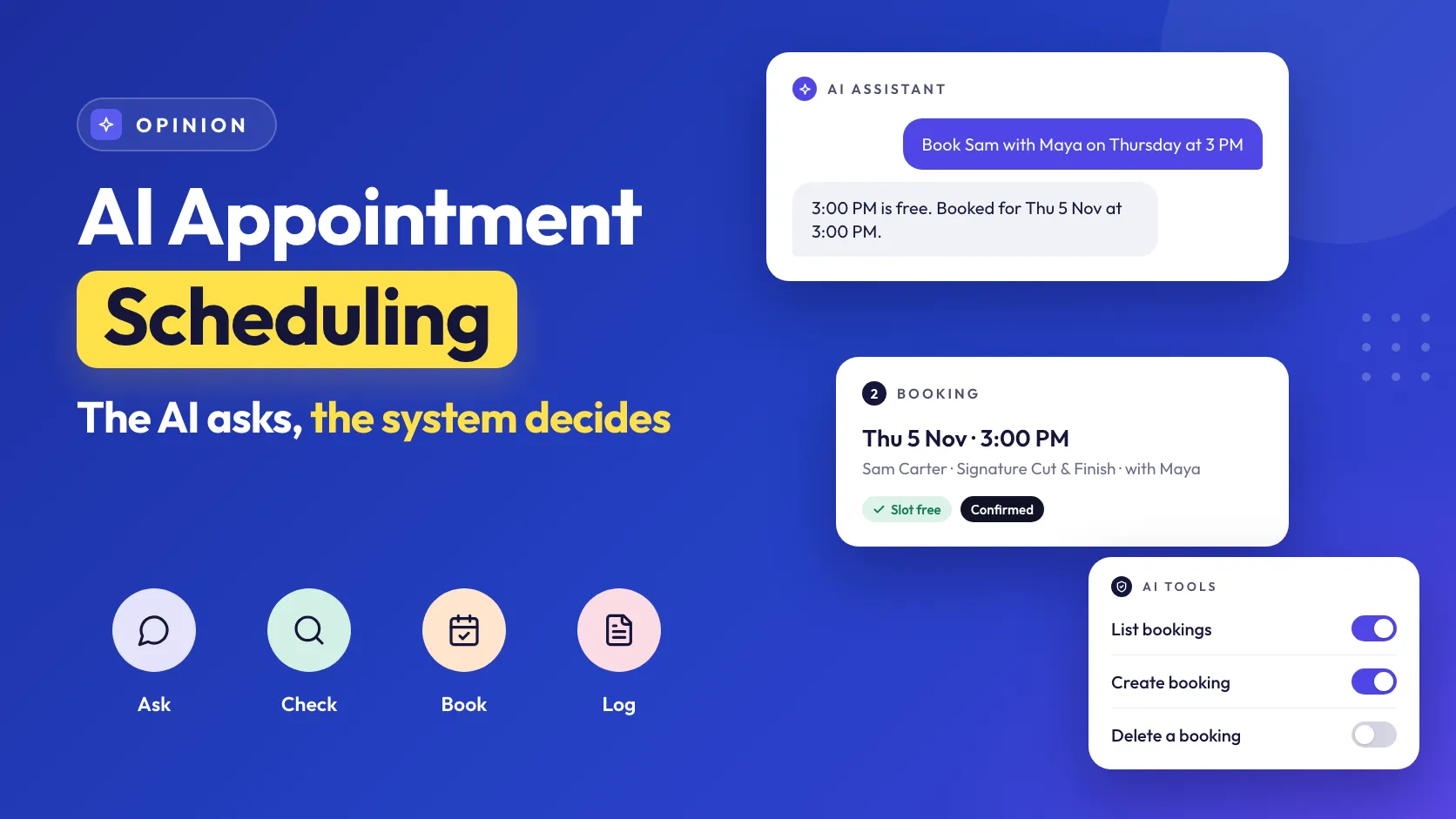
  2. Cover reading AI Appointment Scheduling, The AI asks, the system decides, with icons for Ask, Check, Book and Log, beside an AI assistant chat booking Sam with Maya on Thursday at 3 PM, the resulting booking marked Slot free and Confirmed, and AI tool switches with List bookings and Create booking on and Delete a booking off.

    AI Appointment Scheduling: How AI Is Changing Booking Management

    AI appointment scheduling without the hype: where AI helps a small business with bookings today, where it promises what you don't offer, and how to keep it in check.
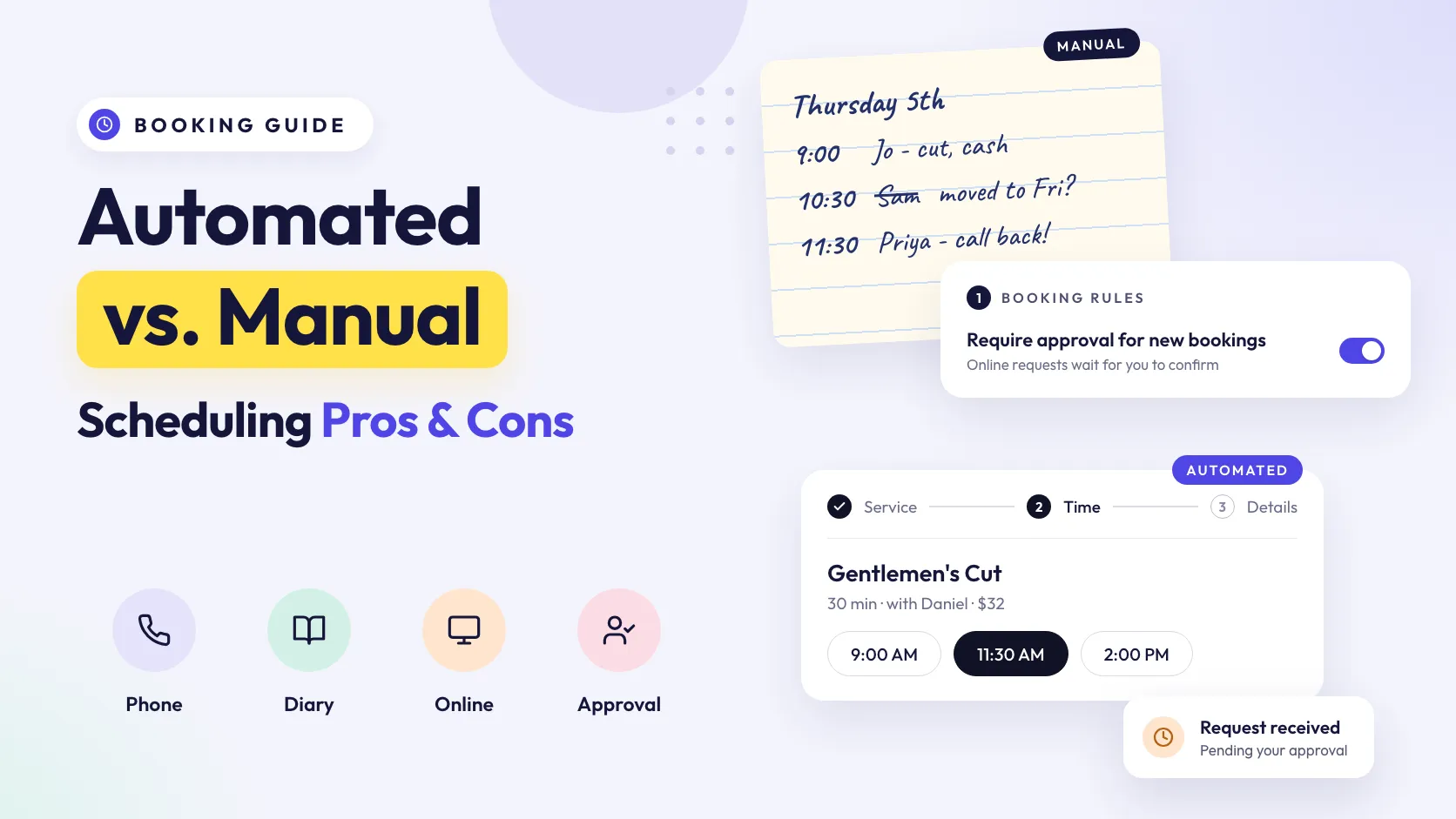
  3. Cover reading Automated vs. Manual Scheduling Pros and Cons, with icons for Phone, Diary, Online and Approval, beside a handwritten appointment book page labeled Manual, a Require approval for new bookings switch turned on, a booking form labeled Automated with 11:30 AM selected, and a Request received card pending approval.

    Automated vs. Manual Appointment Scheduling: Pros and Cons

    Automated appointment scheduling vs doing it by hand: the real pros and cons of each, when manual still wins, and how to automate the routine and keep judgment.
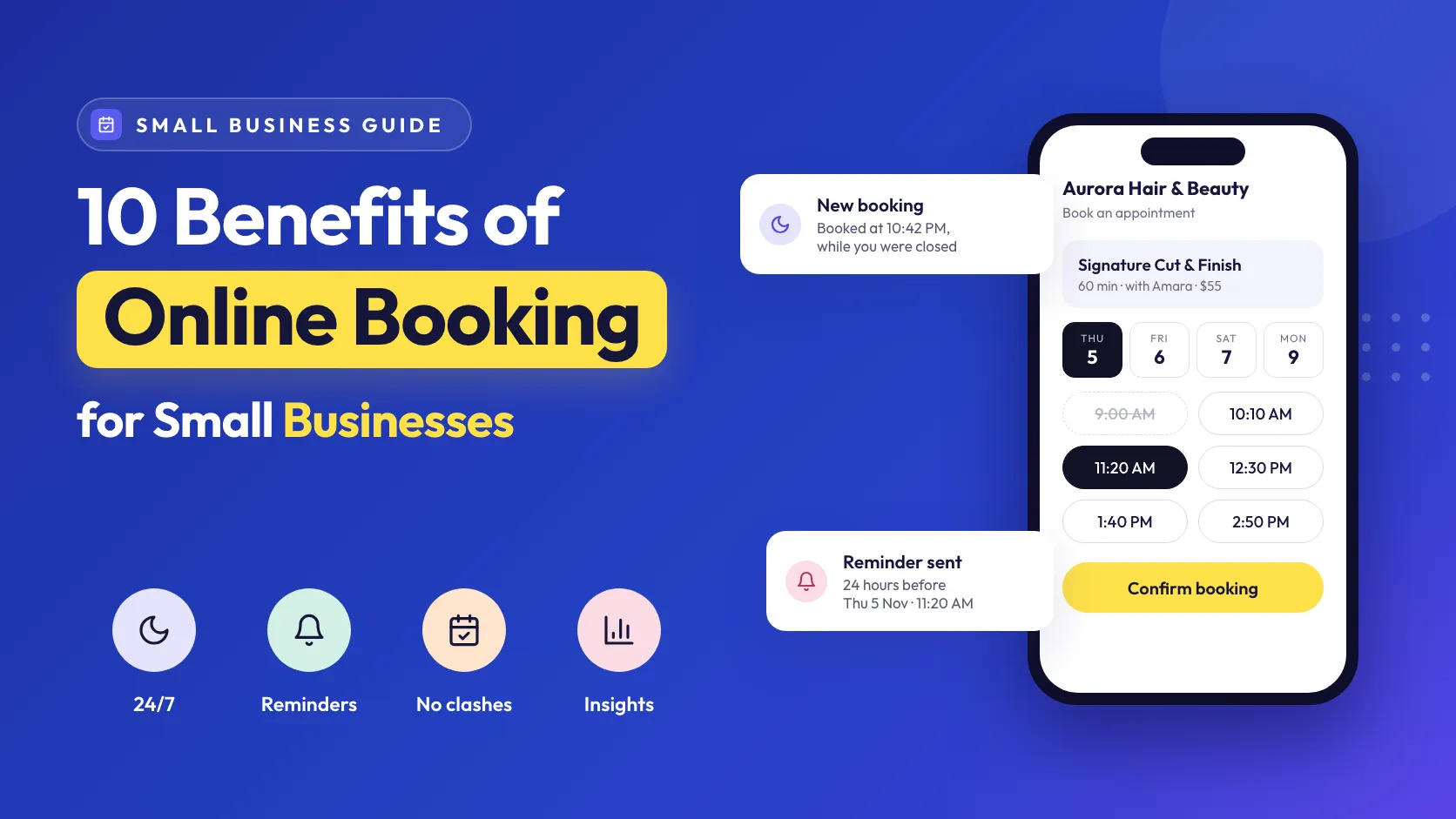
  4. Cover reading 10 Benefits of Online Booking for Small Businesses, with icons for 24/7, Reminders, No clashes and Insights, beside a phone showing the booking form with 11:20 AM selected and 9:00 AM struck out, a New booking card booked at 10:42 PM while the business was closed, and a Reminder sent card.

    10 Benefits of Online Booking Systems for Small Businesses

    The benefits of online booking go past convenience: fewer calls mid-appointment, no double bookings, fewer no-shows and records you can use. Ten, with the limits.
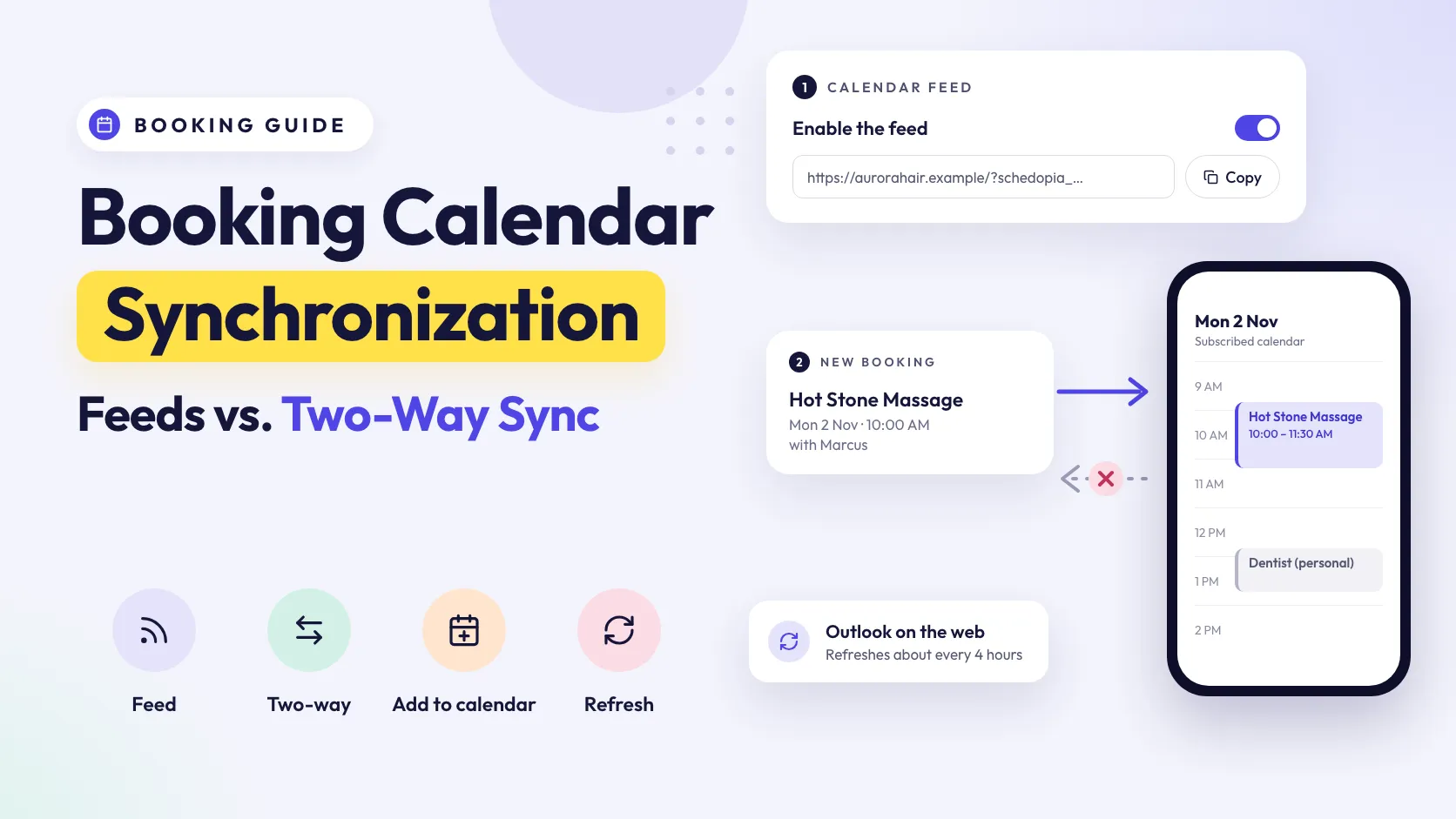
  5. Cover reading Booking Calendar Synchronization, Feeds vs. Two-Way Sync, with icons for Feed, Two-way, Add to calendar and Refresh, beside a calendar feed switch and URL, a new booking flowing one way into a phone calendar that also holds a personal dentist appointment, a crossed-out return arrow, and a card saying Outlook on the web refreshes about every 4 hours.

    How Booking Calendar Synchronization Works

    Booking calendar synchronization explained: one-way feeds, two-way sync and add-to-calendar links, why synced calendars lag by hours, and why that double-books.
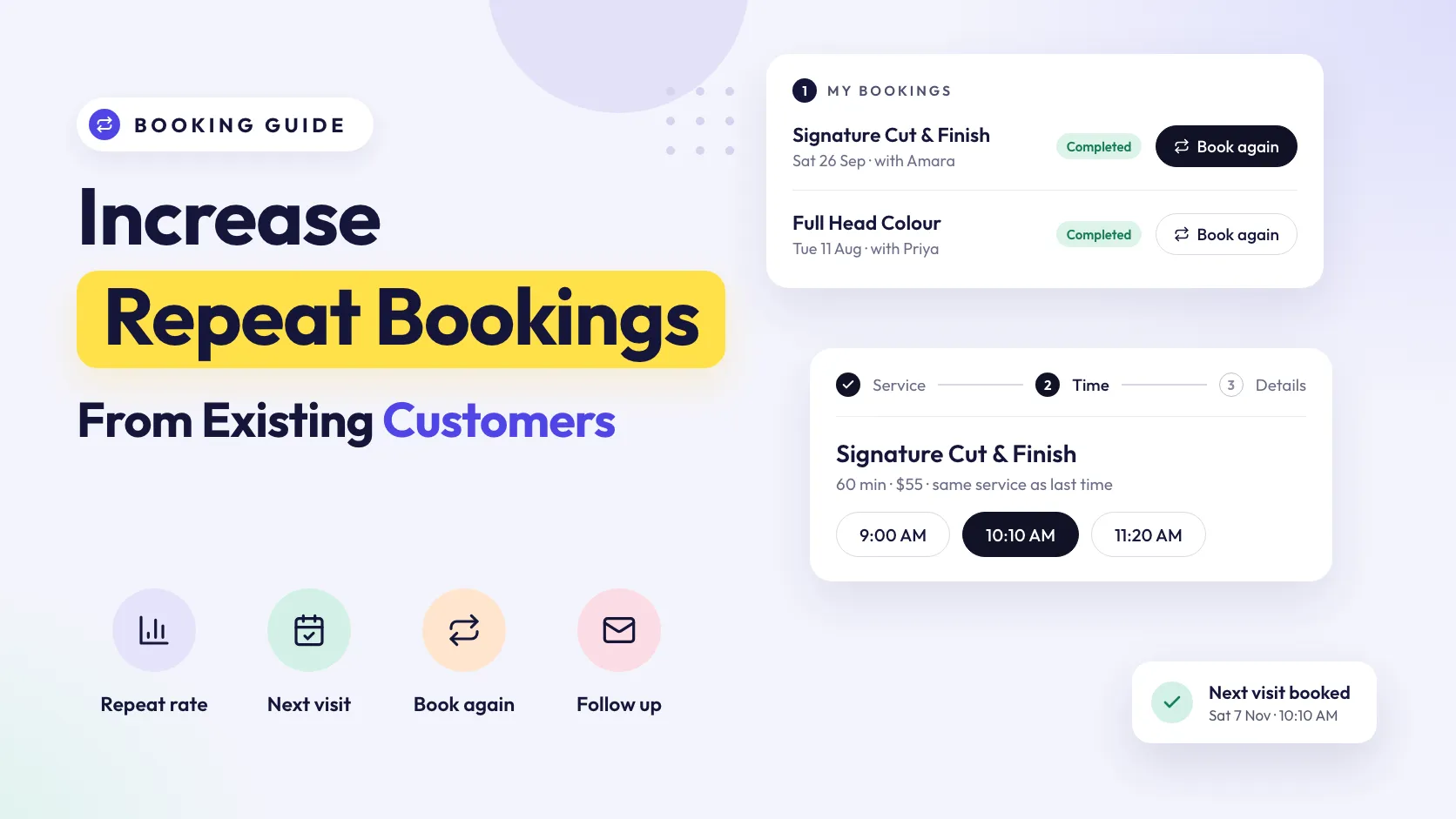
  6. Cover reading Increase Repeat Bookings From Existing Customers, with icons for Repeat rate, Next visit, Book again and Follow up, beside a My bookings card with Book again buttons on two completed visits, the booking form's time step with 10:10 AM selected, and a Next visit booked card.

    How to Increase Repeat Bookings From Existing Customers

    How to increase repeat bookings from customers you already have: book the next visit before they leave, make rebooking one click and contact who's overdue.
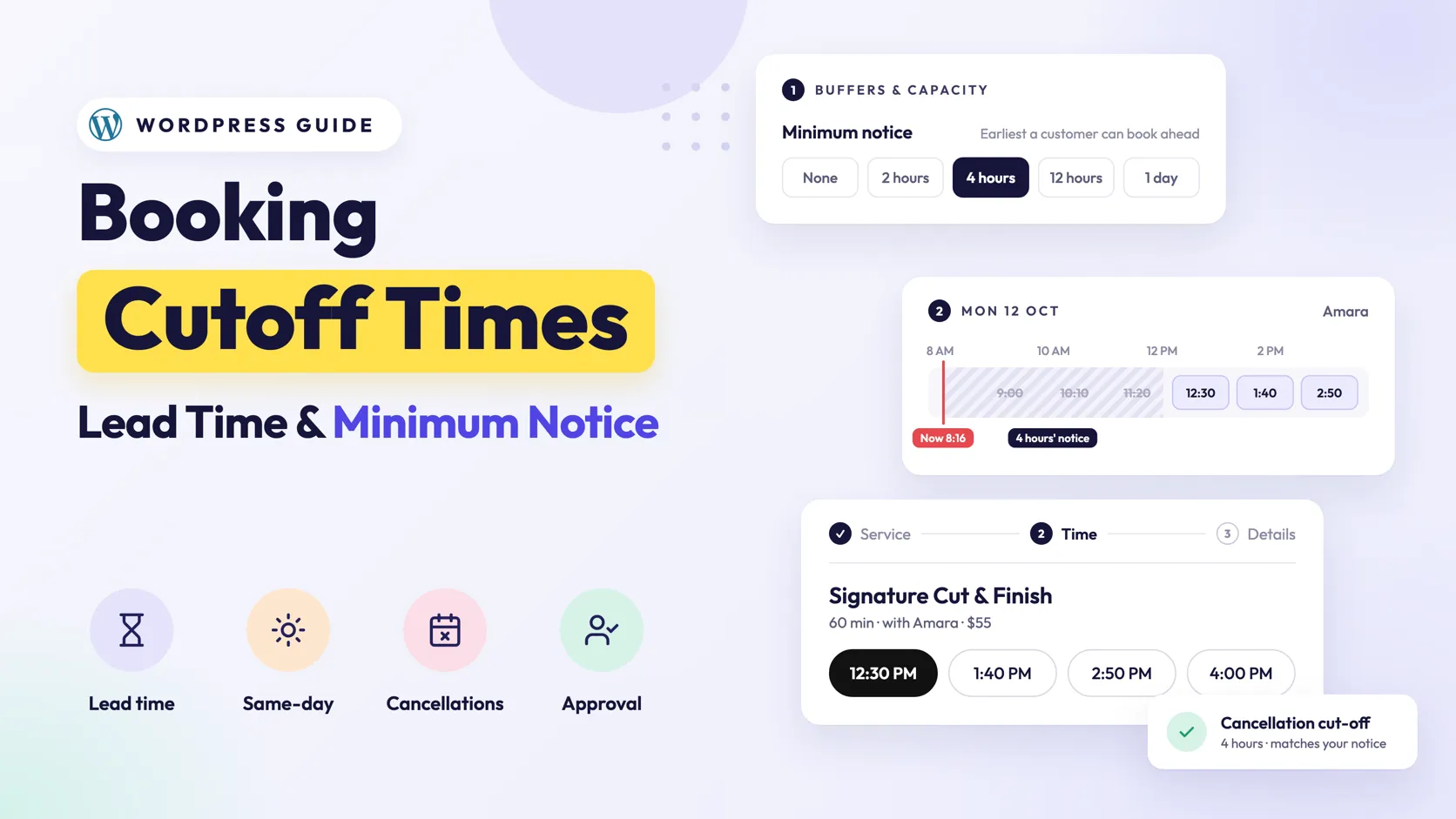
  7. Cover reading Booking Cutoff Times, Lead Time and Minimum Notice, beside a Minimum notice setting of 4 hours, a Monday timeline where the 9:00, 10:10 and 11:20 slots are struck out inside 4 hours' notice from 8:16 AM, a booking form offering 12:30 PM onwards, and a card showing a 4-hour cancellation cut-off.

    Booking Cutoff Times Explained: Lead Times and Minimum Notice

    A booking cutoff time stops bookings you can't prepare for. How lead time and minimum notice work, how much to require, and how to set one in WordPress.
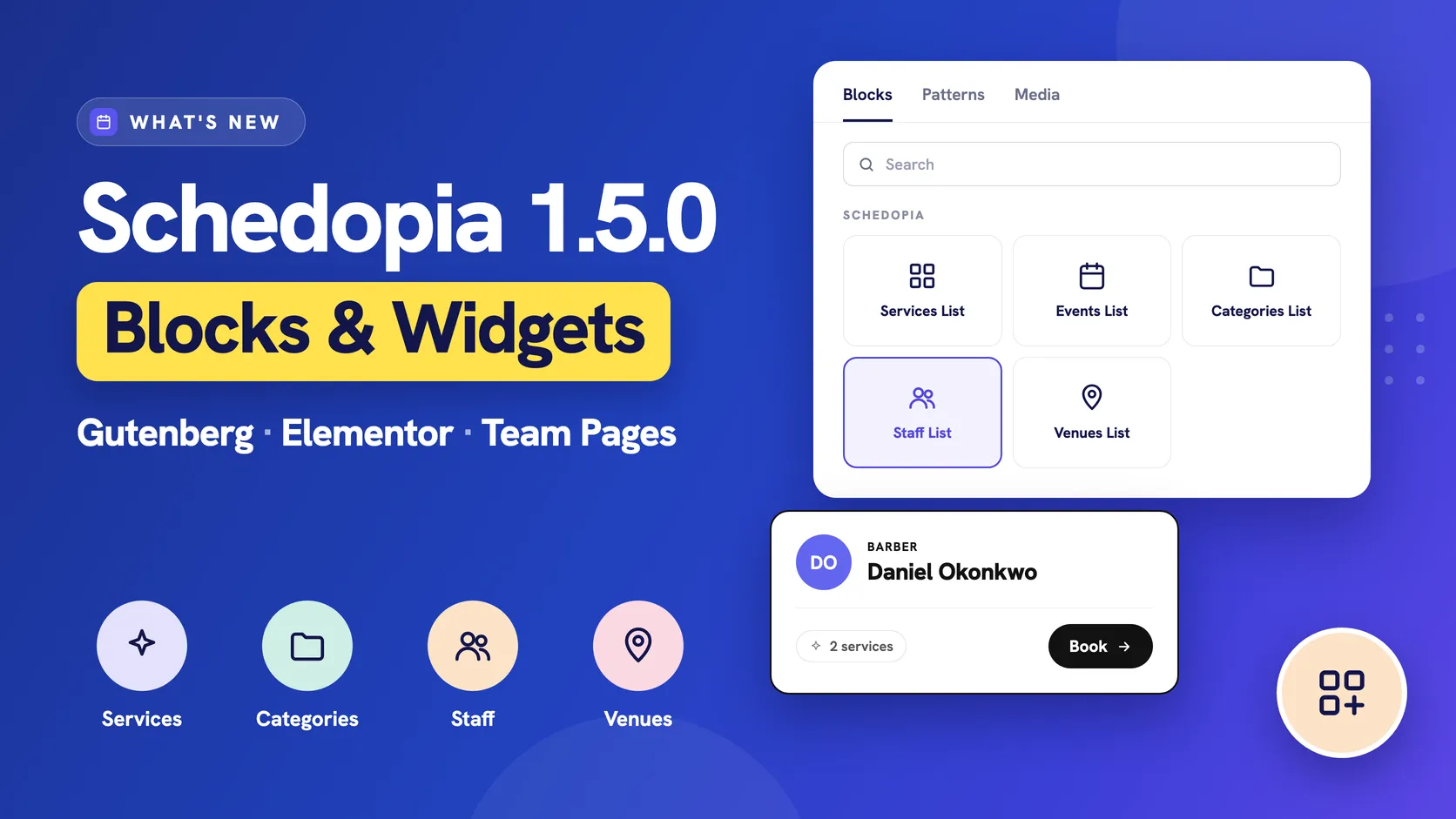
  8. Cover for Schedopia 1.5.0 with the headline Blocks & Widgets and the line Gutenberg, Elementor, Team Pages, icons for Services, Categories, Staff and Venues, beside a block inserter showing the Schedopia group with Services List, Events List, Categories List, Staff List and Venues List, and a staff card for Daniel Okonkwo, Barber, with 2 services and a Book button.

    Schedopia 1.5.0: Gutenberg Blocks and Elementor Widgets

    Schedopia 1.5.0 adds Gutenberg blocks and Elementor widgets for your services, events, categories, staff and venues, and booking forms limited to one person.
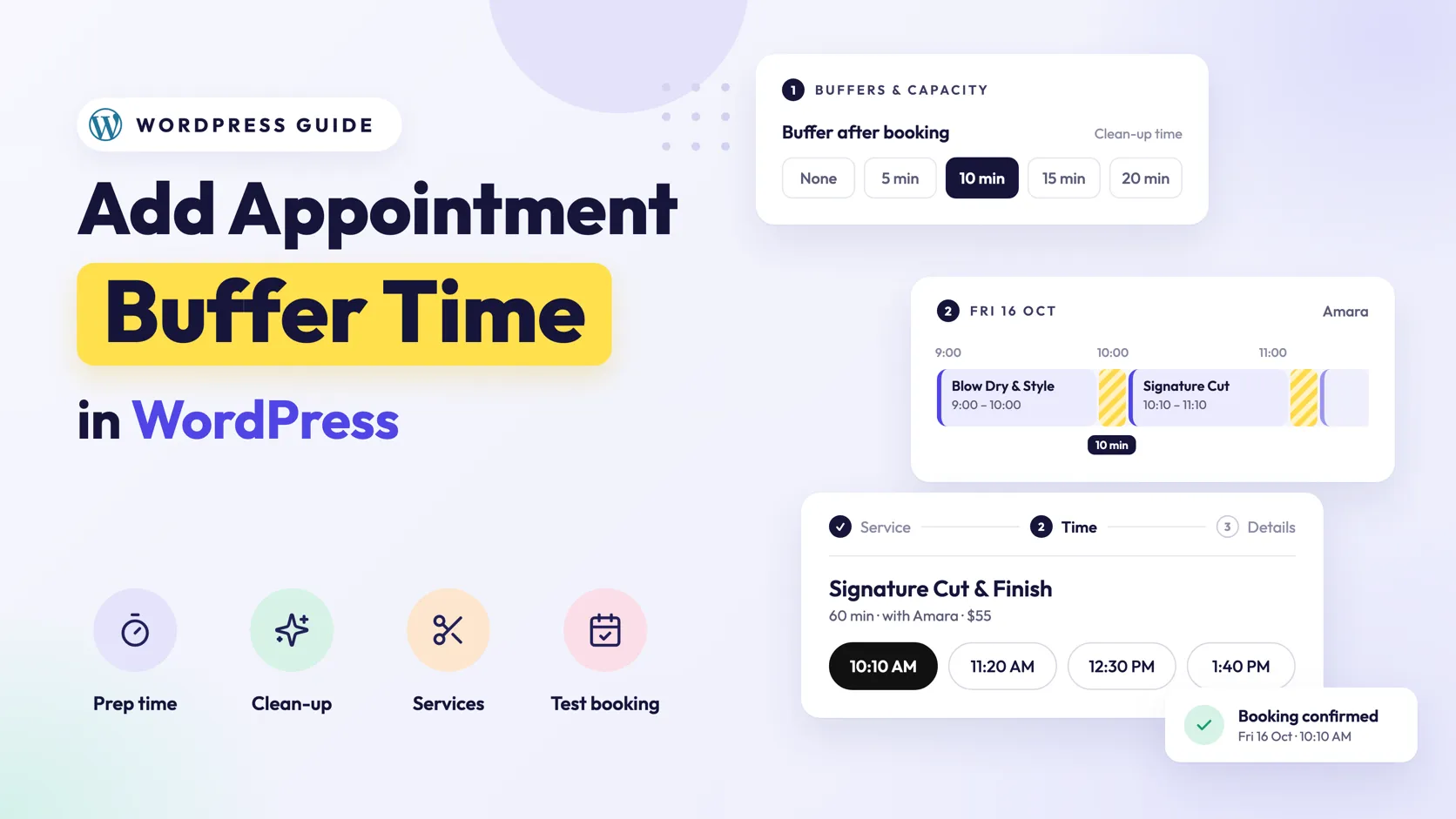
  9. Cover reading Add Appointment Buffer Time in WordPress, beside a Buffers and capacity card with a 10-minute buffer after booking selected, a day timeline with striped 10-minute gaps between appointments, and a booking form offering 10:10 AM.

    How to Add Buffer Time Between Appointments in WordPress

    Appointment buffer time keeps prep and clean-up off the booking form. How to set it in WordPress, how much to add, and what each extra minute costs you.
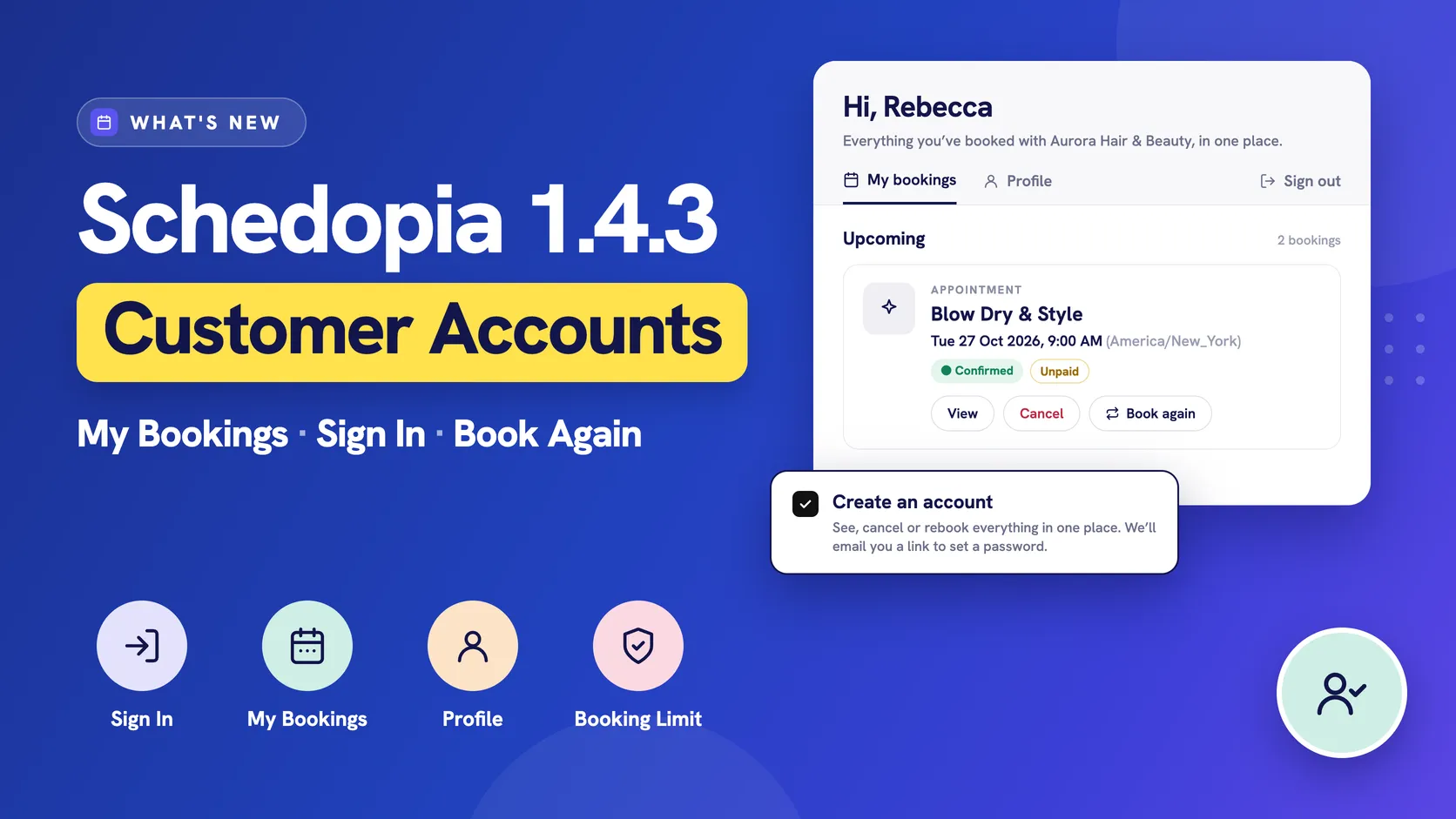
  10. Cover for Schedopia 1.4.3 with the headline Customer Accounts and the line My Bookings, Sign In, Book Again, icons for Sign In, My Bookings, Profile and Booking Limit, beside a My bookings card greeting Rebecca with an upcoming Blow Dry and Style booking and View, Cancel and Book again buttons, and a checked Create an account box.

    Schedopia 1.4.3: Customer Accounts and a My Bookings Page

    Schedopia 1.4.3 adds customer accounts: a My bookings page where customers see, cancel and rebook their appointments, plus a limit on bookings per hour.
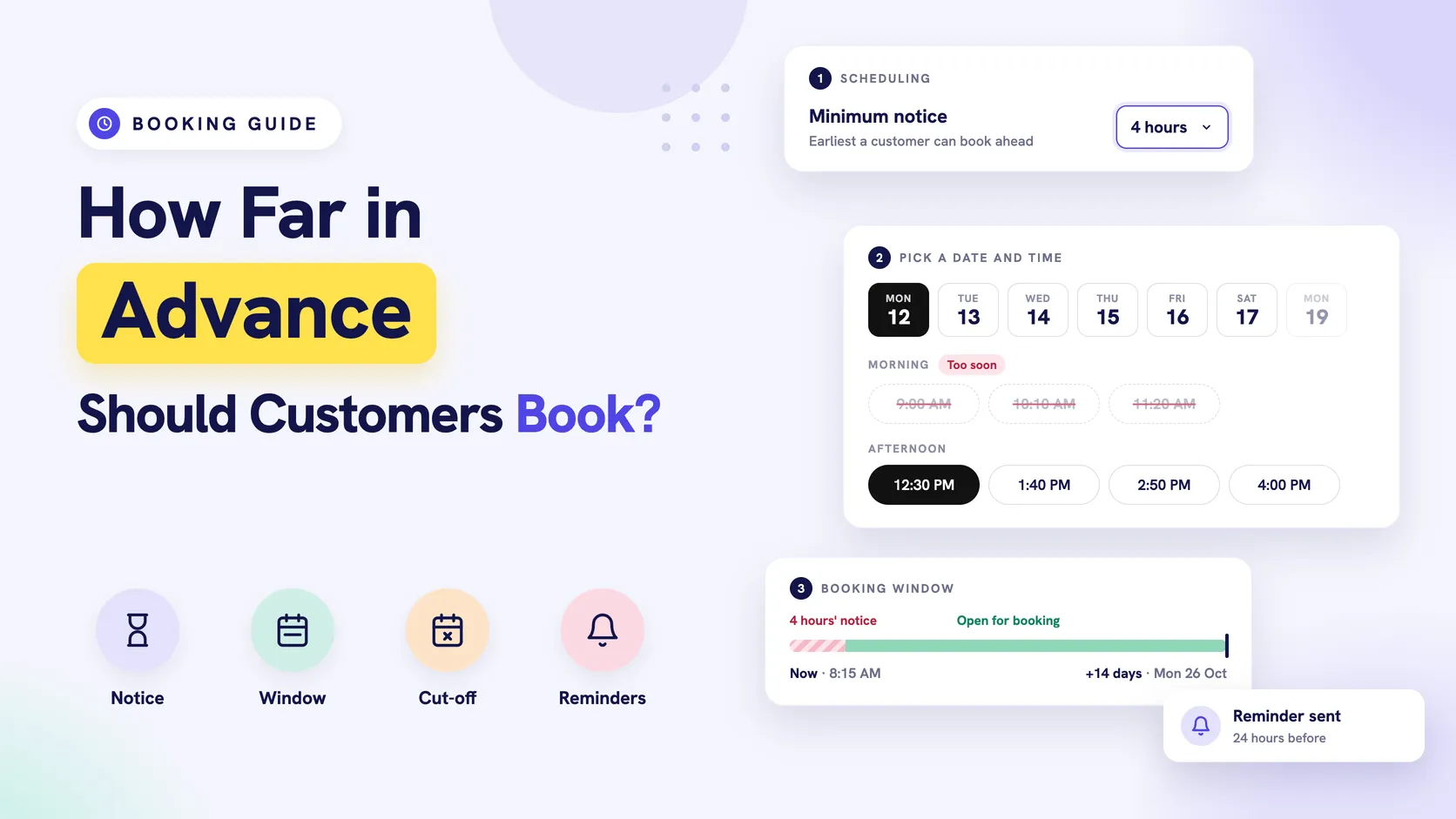
  11. Cover reading How Far in Advance Should Customers Book?, with icons for Notice, Window, Cut-off and Reminders, beside a Minimum notice setting of 4 hours, a booking form where the morning times are struck out as too soon and 12:30 PM is selected, a two-week booking window bar, and a Reminder sent card.

    How Far in Advance Should Customers Be Allowed to Book?

    An advance booking window decides how far ahead customers can book. How long to make yours, what a long one costs in no-shows, and how it works in WordPress.
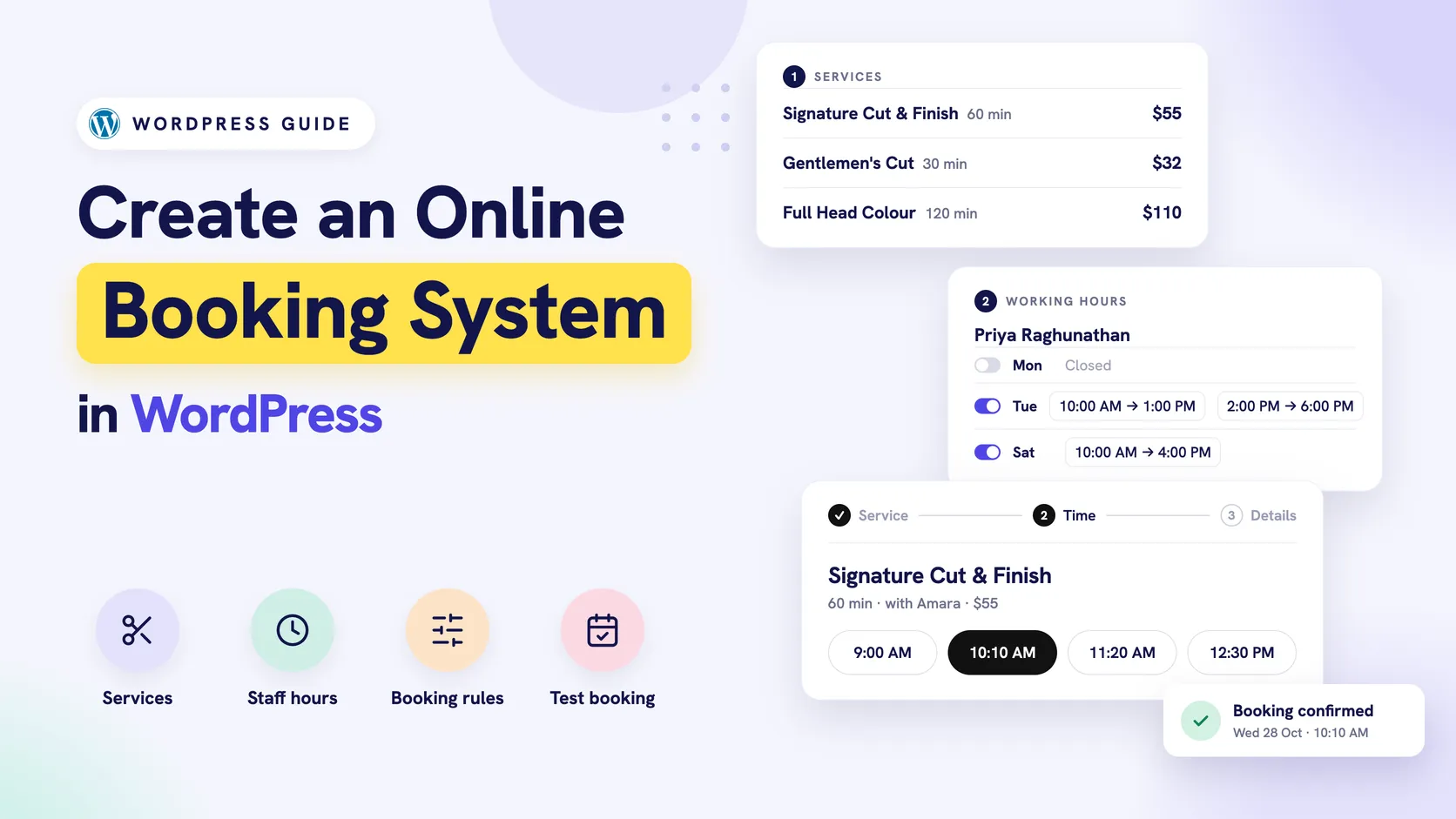
  12. Cover reading Create an Online Booking System in WordPress, beside three stacked cards: a services list with prices, a stylist's working hours with a lunch break, and a booking form on the time step with 10:10 AM selected, plus a Booking confirmed card.

    How to Create an Online Booking System in WordPress

    Build a WordPress booking system from the back: services, staff hours, booking rules, emails and payments first, then the booking form, then a real test.
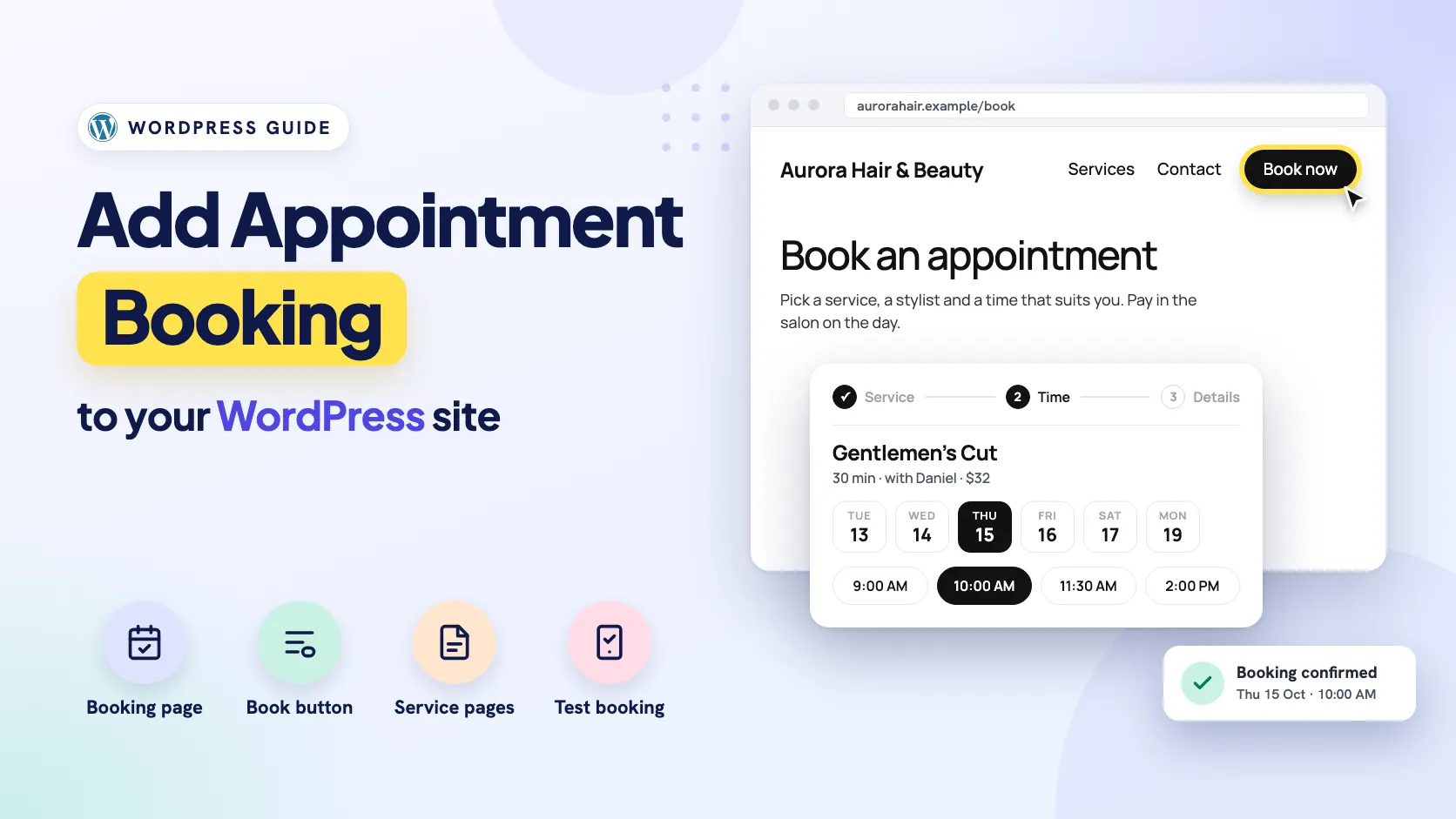
  13. Cover reading Add Appointment Booking to your WordPress site, beside a salon website with a highlighted Book now button in its header, a booking form on the time step with 10:00 AM selected, and a Booking confirmed card.

    How to Add Appointment Booking to WordPress

    How to add appointment booking to WordPress on the site you already have: a booking page, menu and service page links, and the caching and email checks.
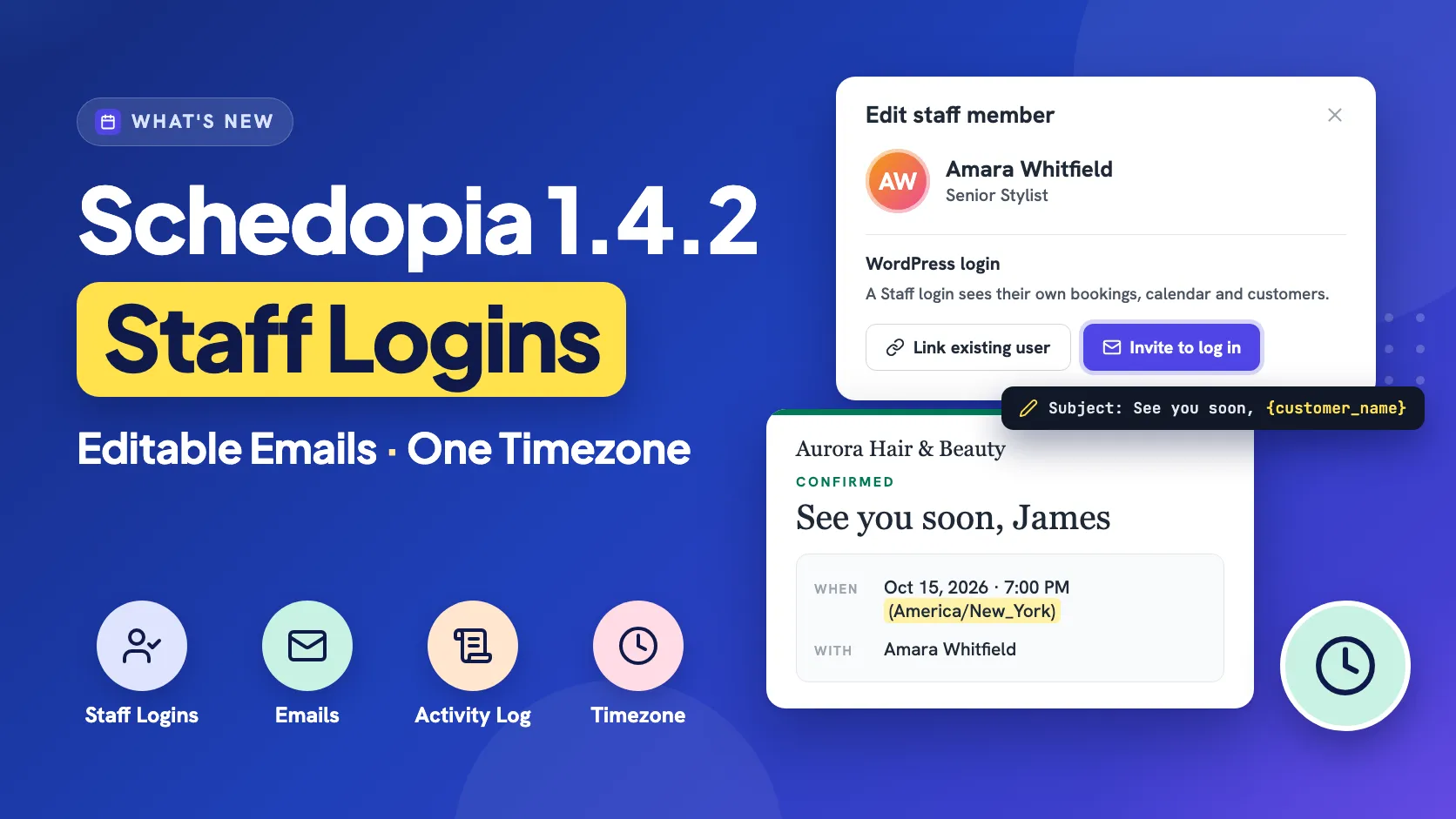
  14. Cover for Schedopia 1.4.2 with the headline Staff Logins, Editable Emails, One Timezone, beside an Edit staff member card with Link existing user and Invite to log in buttons, and a confirmation email showing 7:00 PM (America/New_York).

    Schedopia 1.4.2: Staff Logins, Editable Emails and One Timezone

    Schedopia 1.4.2 gives staff their own logins, lets you write your own booking emails, logs the back office and runs every booking on your WordPress timezone.
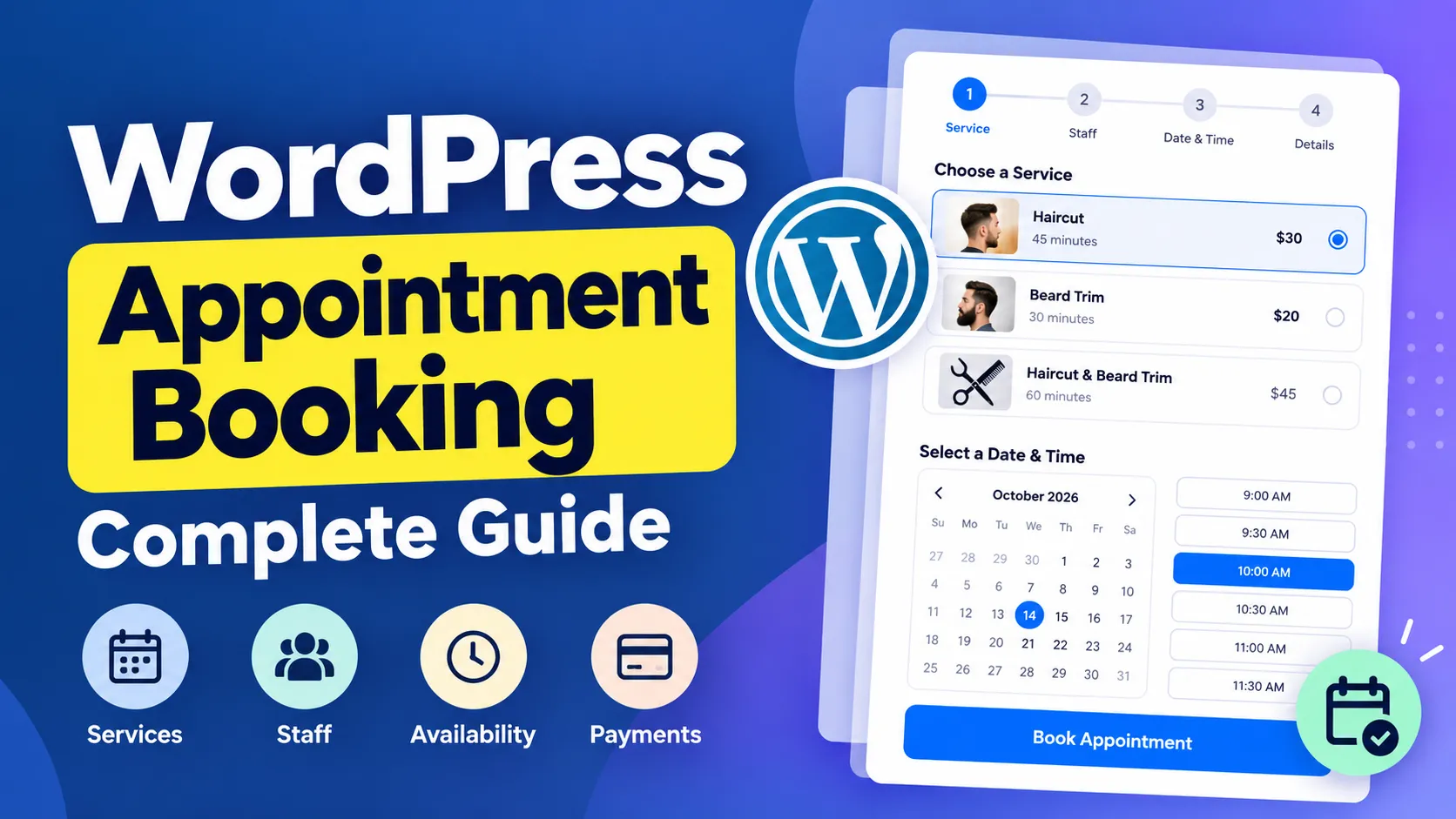
  15. A WordPress appointment booking form with service, staff, date and time steps, a calendar and time slots, beside the title WordPress Appointment Booking Complete Guide.

    WordPress Appointment Booking: The Complete Guide

    How WordPress appointment booking works, which features a booking plugin needs, and how to set up online scheduling that prevents double bookings.
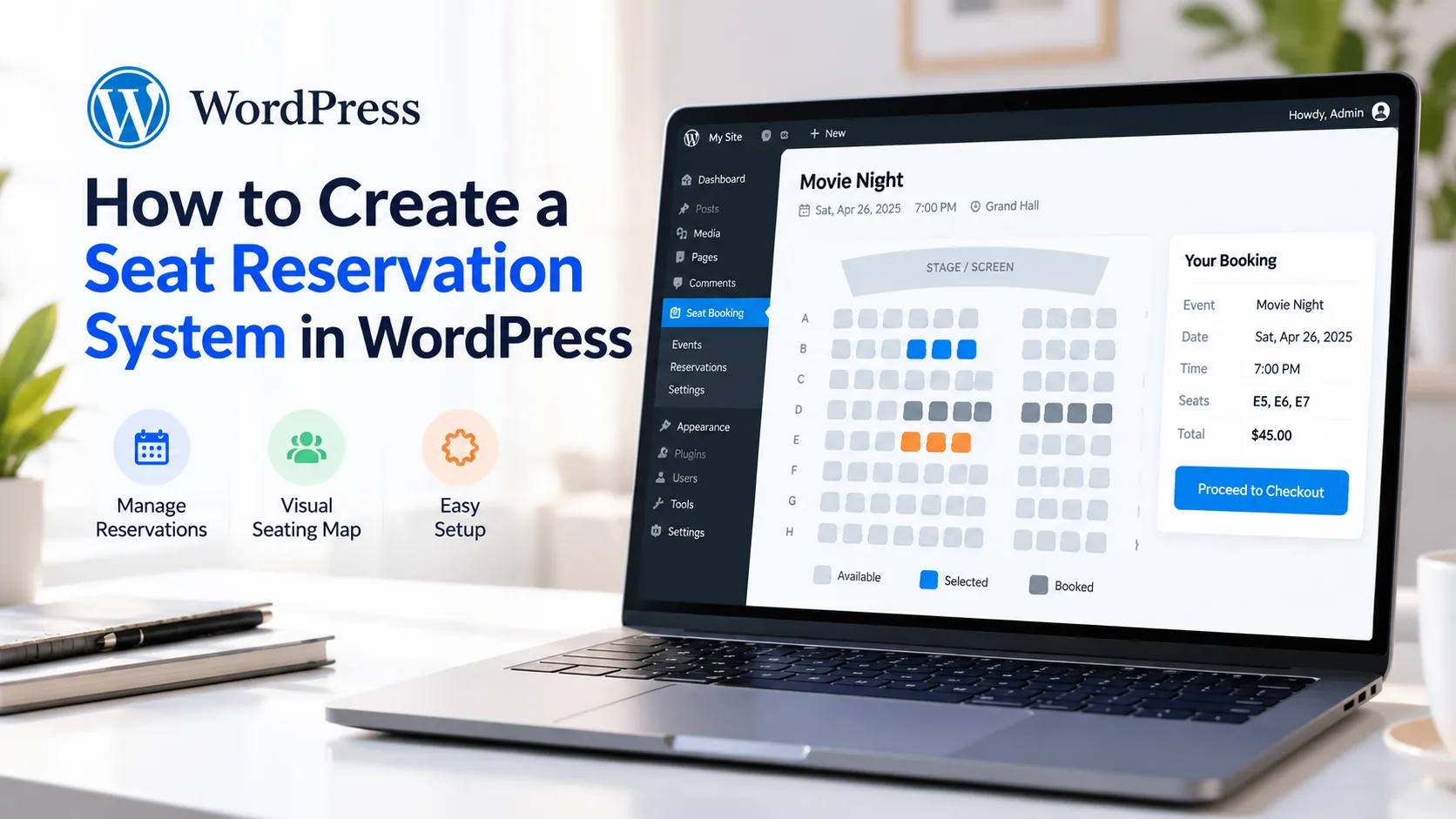
  16. Laptop showing a WordPress seat booking screen with a seat map and booking summary, beside the title How to Create a Seat Reservation System in WordPress.

    How to create a seat reservation system in WordPress

    Create a seat reservation system in WordPress with Schedopia, a free WordPress seat reservation plugin. Draw the seating chart, price tiers and sell seats.
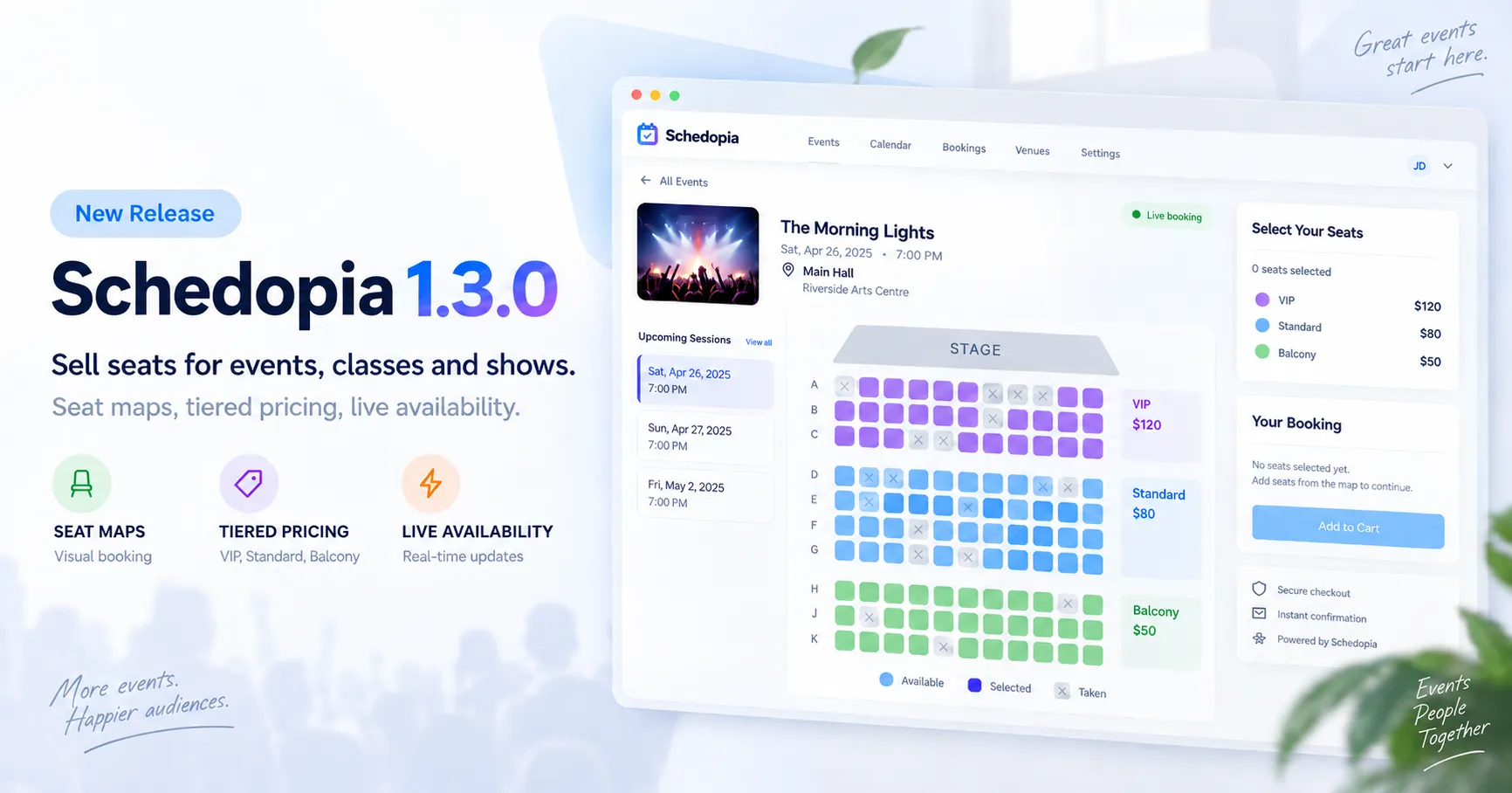
  17. The Schedopia seat map for Main Hall with VIP, Standard and Balcony tiers and a booking summary.

    Schedopia 1.3.0: sell seats for events, classes and shows

    Schedopia 1.3.0 adds seat-mapped event booking to WordPress. Draw a seat map, price the tiers and let customers pick their seats, double-booking guard included.
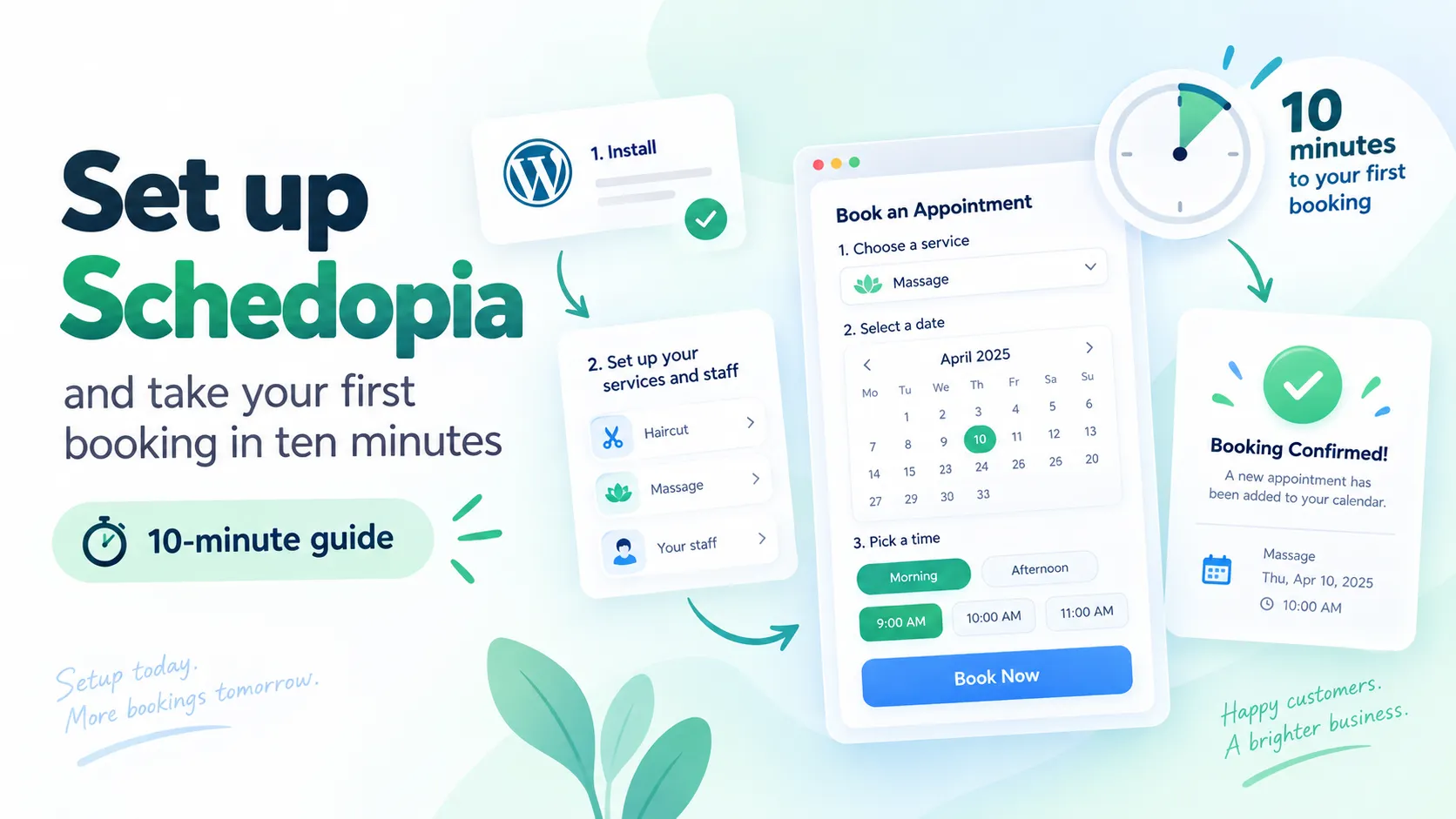
  18. The Schedopia booking form's time step, with a calendar and morning and afternoon slots.

    Take your first booking in ten minutes

    How to set up Schedopia on WordPress: install, add a service and staff member, place the booking form, and confirm a test appointment in ten minutes.
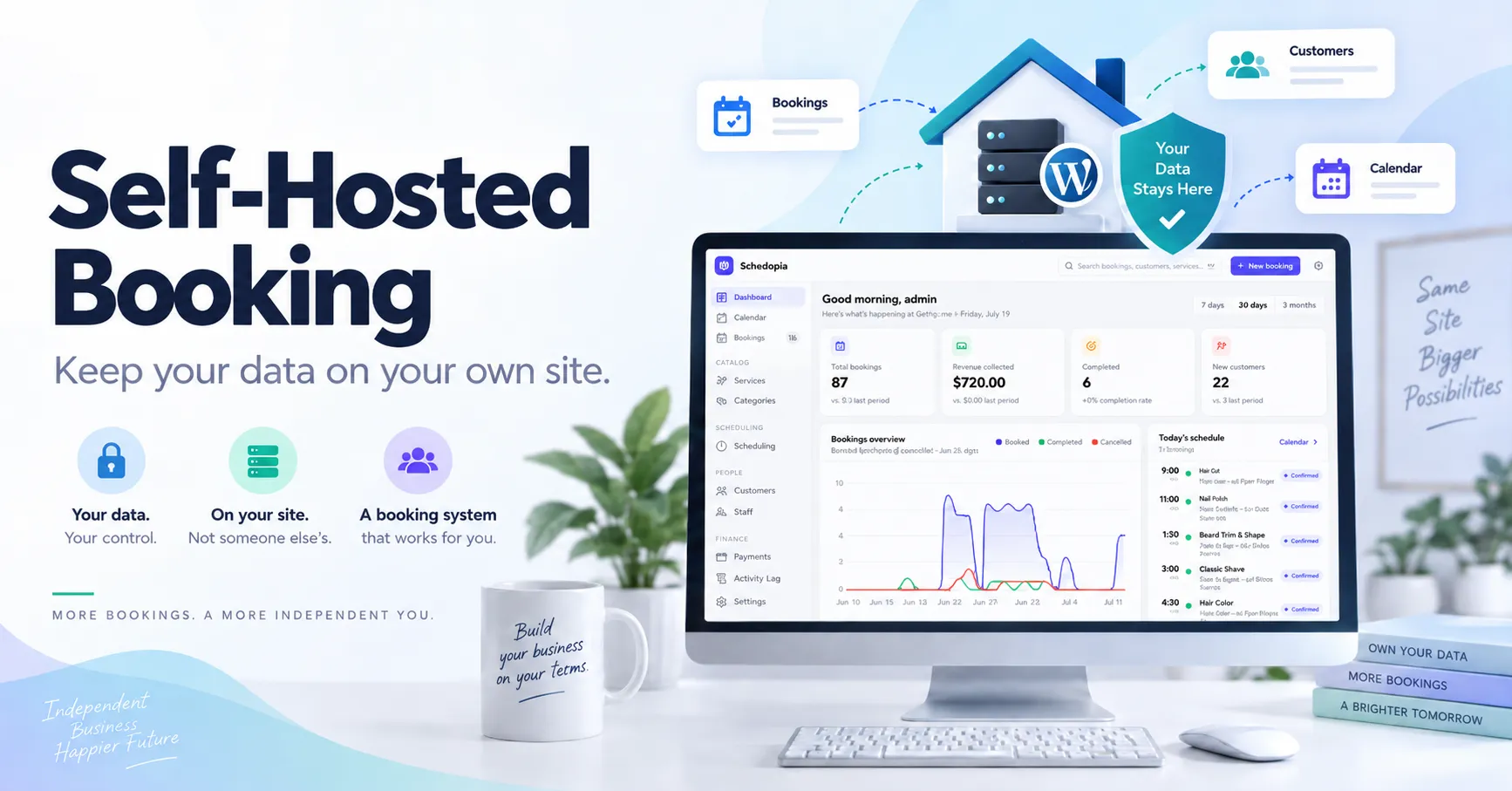
  19. The Schedopia admin dashboard with booking totals, revenue, a trend chart and today's schedule.

    The case for self-hosted booking: keep your data on your own site

    Hosted booking services keep your customer list, charge per booking and can change terms. A self-hosted WordPress plugin like Schedopia removes all three risks.