Free
Schedopia documentation
Schedopia turns your WordPress site into a booking engine. Customers pick a service, choose a staff member, and book a real time slot — around the clock, without a single phone call. This guide covers everything the free plugin does.
Start here
Install & activate →
Get Schedopia onto your site and find it in the admin menu.
Setup wizard →
The guided first run: your business, services, staff and hours.
Add the booking form →
Put [schedopia_booking] on a page and start taking bookings.
Manage bookings →
Filter, review, export and change the status of every booking.
What Schedopia does
Everything below is in the free plugin. There is nothing to unlock, no per-booking fee, and no account to create.
| Area | What you get |
|---|---|
| Catalog | Services with a price, duration and category, plus optional add-ons that extend both the price and the time booked. |
| Availability | Business-wide opening hours, per-staff working hours, days off, buffers between appointments, and capacity. Bookable slots are generated from all of it. |
| Bookings | Every booking is a real dated record with its own timezone, protected by a double-booking guard. Five statuses, a details drawer, and booking from the admin. |
| Payments | Record cash, bank transfer and mark-as-paid. Payment status is derived from what you have recorded, and refunds are supported. |
| Emails | Confirmation, pending, cancellation, staff alert and reminder emails — each one individually switchable. |
| Booking form | A mobile-first form you place with a shortcode, styled under Design, protected by built-in spam checks. |
| Customer accounts | Optional accounts, so customers can sign in to My bookings to see, cancel and rebook. Booking without an account always works. |
| Lists | Your services, events, categories, staff and venues as lists on any page, by shortcode, Gutenberg block or Elementor widget. |
| Events & seats | A second way to take bookings: dated events in your venues, with a seat map per hall, optional pricing tiers, and customers picking their own seats. A seat can never be reserved twice for the same event. |
| Calendars | Subscribe Google Calendar, Outlook or Apple Calendar to a read-only feed of your bookings, and let customers add an appointment from their email. |
| Connect your AI | Off until you turn it on. Lets an AI assistant such as Claude or ChatGPT take bookings and run the site, with only the tools you switch on. |
How a booking happens
- A customer opens your booking page
They pick a service, optionally filtered by category, and see the price and duration up front. - They choose a staff member and a time
— or, for an event, their seats on the map. Only genuinely free slots appear — Schedopia works them out from that staff member’s working hours, days off, buffers and existing bookings. - They enter their details and confirm
The booking is created, they get a reference number on screen, and a confirmation email goes out. - You see it in the admin
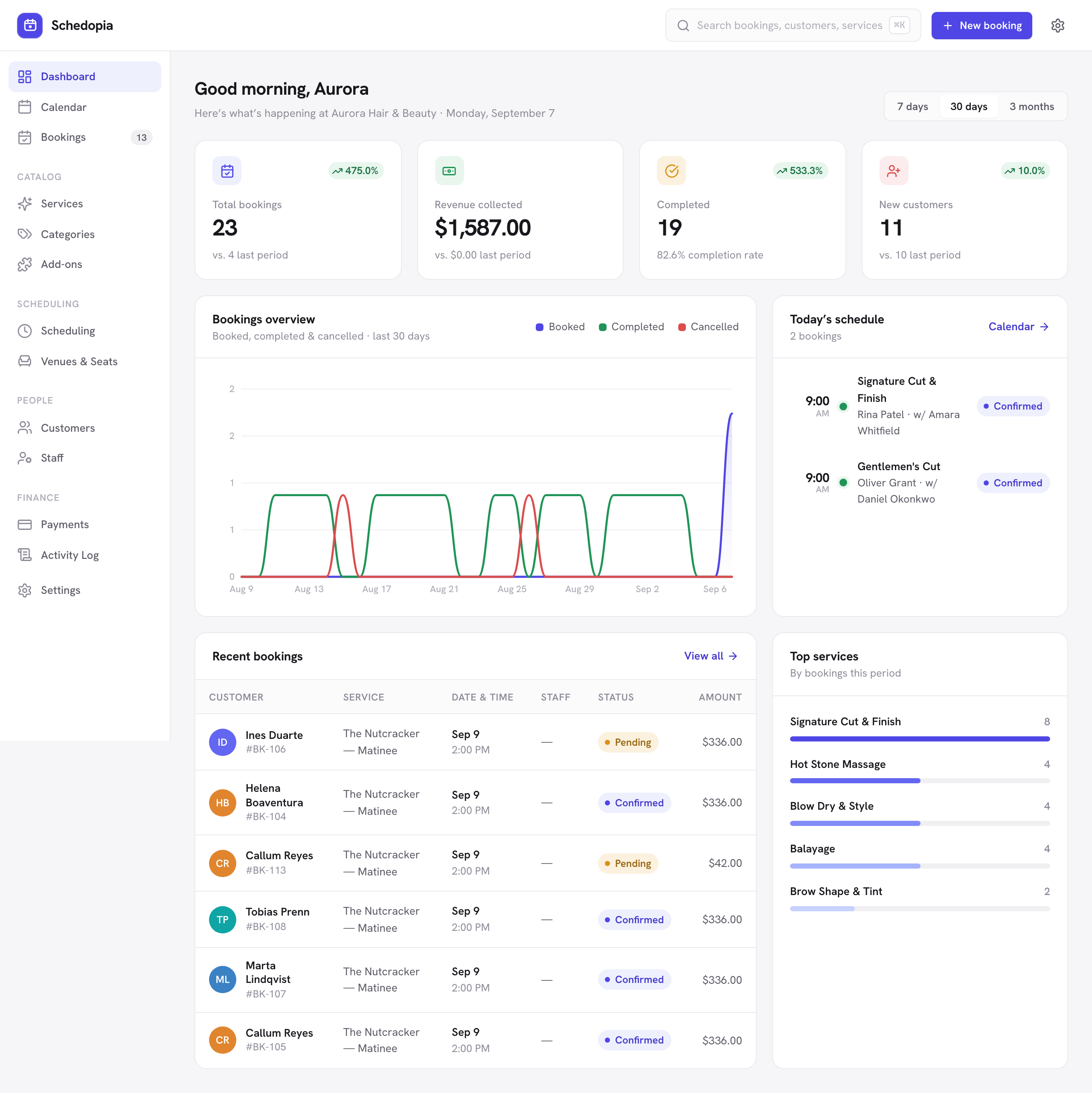
It appears on the dashboard, in the bookings list and on the calendar straight away.
Every booking, whether it came from the public form or was created by you in the admin, goes through the same double-booking guard, so a slot never takes more bookings than its capacity and a seat is never reserved twice. The public form only accepts the times it offers; bookings you make in the admin can fall outside them, for a walk-in or an after-hours favor.
What this guide covers
This documentation describes Schedopia 1.5.1, the free plugin as published on WordPress.org. Where a feature has a paid counterpart, you will see a clearly marked note like this one:
Pro will add booking by WhatsApp and website chat, online payments, two-way calendar sync and recurring bookings. It is not on sale yet — nothing in this guide depends on it, and every feature documented here is free.