FreeSince v1.0.0
Settings reference
Every setting in Schedopia, by section, with its default. Find them all under Schedopia → Settings. Each section saves on its own, so you can change one thing without touching the rest.
Business info
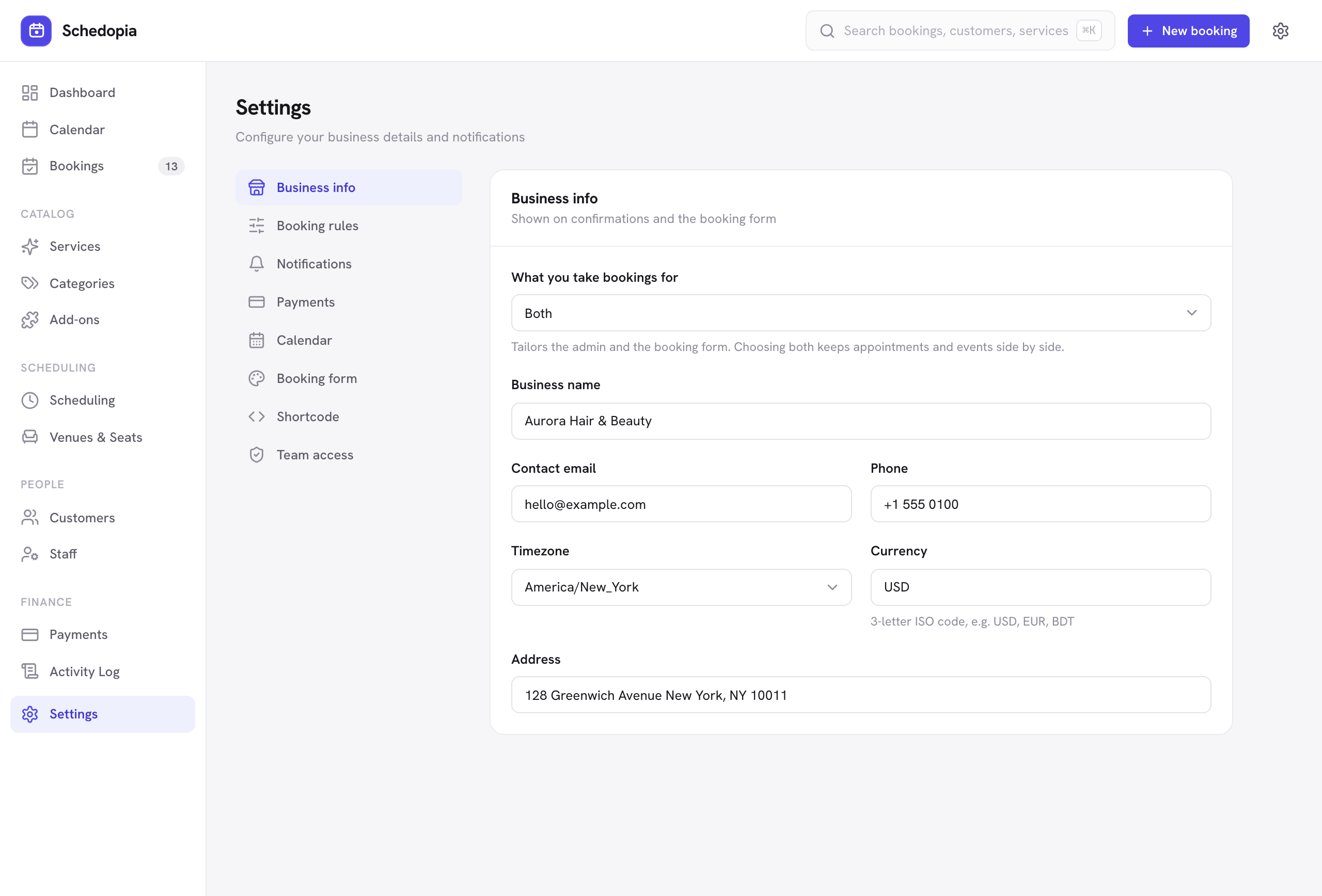
| Setting | What it does |
|---|---|
| What you take bookings for | Appointments, events & seats, or both. It tailors the admin menu and the booking form: the events screens only appear when events are included, and the plain [schedopia_booking] shortcode shows whichever flow fits. Set in the setup wizard; change it here any time. |
| Business name | Shown on the booking form and at the top of every customer email. |
| Contact email | Shown to signed-in customers on My bookings as a way to reach you. New-booking alerts go to the Sender email under Notifications, not here. |
| Phone / Address | Your contact details, for customer-facing content. |
| Timezone | Your WordPress site timezone, the same setting as Settings → General in WordPress, so changing it here changes it for the whole site. It asks you to confirm, and only administrators can change it. Pick a city rather than a UTC offset so daylight saving is handled, and set it before taking bookings. |
| Currency | Used for all prices, totals and payments. |
This tab also has Run setup again, which reopens the setup wizard and keeps what you already have.
Booking rules
| Setting | What it does | Default |
|---|---|---|
| Require approval for new bookings | Off means a booking taken on your form is confirmed straight away and the customer gets the confirmation email. On means it waits as Pending for you, and the customer gets a request-received email instead. Bookings you create yourself are unaffected — you pick the status. | Off |
| Allow customer cancellations | Whether customers can cancel themselves, from the self-service cancellation link in their emails or from My bookings. | On |
| Cancellation cut-off | Hours before the start when customers can no longer cancel themselves (0–720). | 24 |
| Require agreement before booking | Customers check “I agree…” before confirming. The wording is under Design → Content. | On |
| Cancellation policy / terms page | The page the agreement text links to. | None |
| reCAPTCHA v3 spam protection | Optional extra spam screening. Needs your own site and secret keys. | Off |
| Limit bookings per hour | Caps how many new bookings one connection can make in an hour. It stops bots and double-submits, and real customers rarely reach it. See Bookings per hour. | On |
| Bookings per hour | The most new bookings one connection can make in an hour (1–100). Shown while Limit bookings per hour is on. | 20 |
Customer portal
| Setting | What it does | Default |
|---|---|---|
| Customer accounts | Adds Create an account to the booking form and account links to emails. Signed-in customers see, cancel and rebook their bookings on My bookings. | On |
| How accounts are created | Customer chooses: a Create an account checkbox on the booking form, unchecked by default. Always, on first booking: every new email address gets an account, and the confirmation email says so. | Customer chooses |
The tab also lists the My bookings and Sign in pages Schedopia creates for accounts. Booking without an account keeps working either way.
Notifications
| Setting | What it does | Default |
|---|---|---|
| Sender name / Sender email | Who customer emails appear to come from. The sender email also receives the new-booking alert. | Your site title and WordPress admin email |
| Pending-booking notice | Email the customer when a booking still needs approval. | On |
| Booking confirmation | Email the customer when a booking is confirmed. | On |
| Cancellation notice | Email the customer when a booking is canceled. | On |
| Admin new-booking alert | Email the sender email address when a booking arrives. | On |
| Also notify the booked staff member | Send the new-booking alert to the staff member the customer chose as well. | Off |
| Reminder before appointment | Email the customer before their appointment. | On |
| Reminder lead time | Hours ahead the reminder is sent (1–168). | 24 |
Below these you can rewrite each email’s subject and opening line, and Send a test email. See Email notifications for what each email contains.
Payments
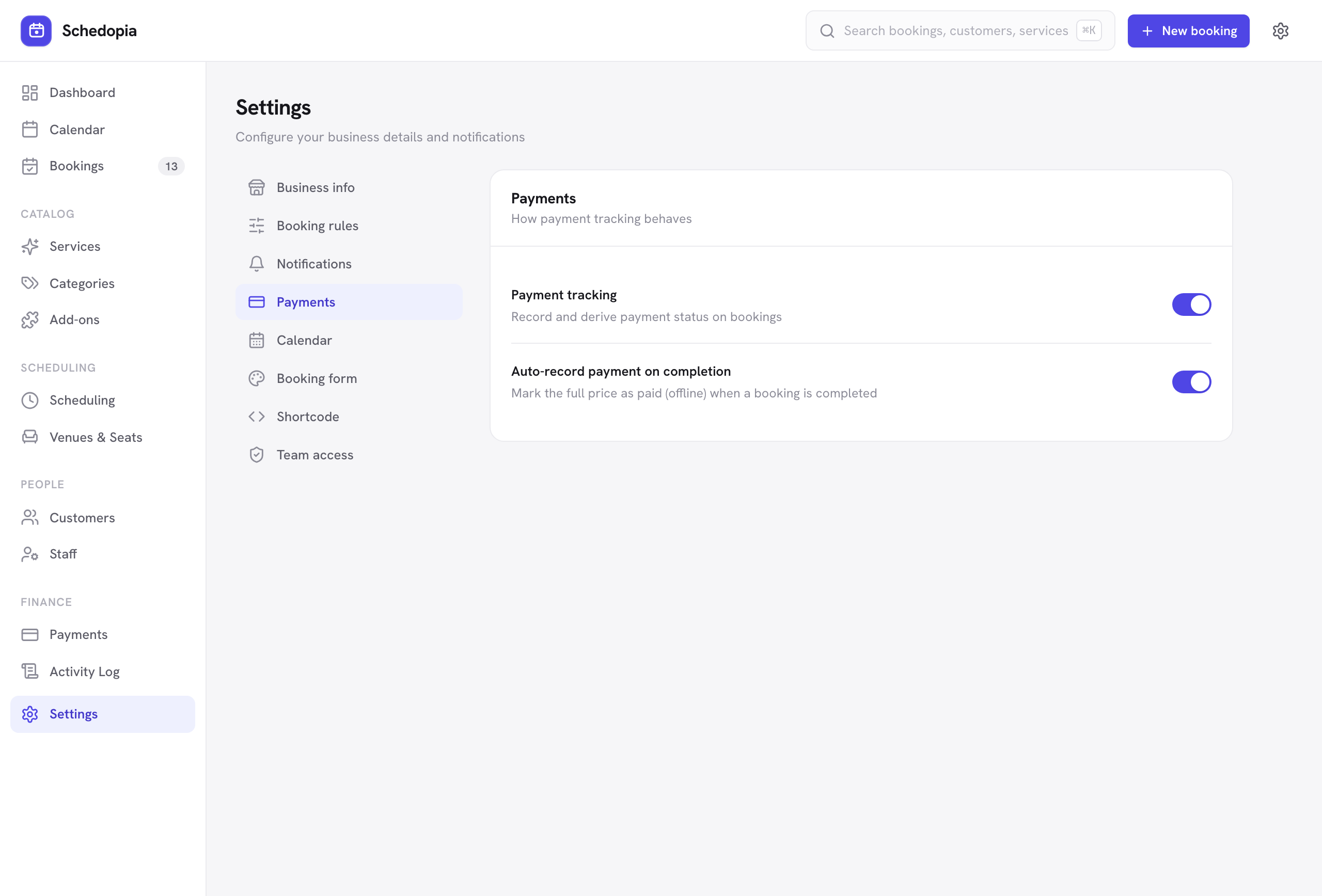
| Setting | What it does | Default |
|---|---|---|
| Payment tracking | Off stops new payments being recorded, by hand or on completion. The payment screens and history stay visible. | On |
| Auto-record payment on completion | Marking a priced booking completed records a full payment for it. | On |
Calendar
| Setting | What it does | Default |
|---|---|---|
| Enable the feed | Publish a private read-only feed of your bookings, with copy and rotate controls. | Off |
| Add to calendar buttons in emails | Include Google, Outlook and Apple / .ics buttons in customer emails. | On |
See Calendar feed and add-to-calendar.
Design
Lists the Booking form, Services list and Events list, each with Customize, which opens the appearance customizer: colors, fonts, shapes and wording, with a live preview. Design is also in the Schedopia menu.
Shortcode
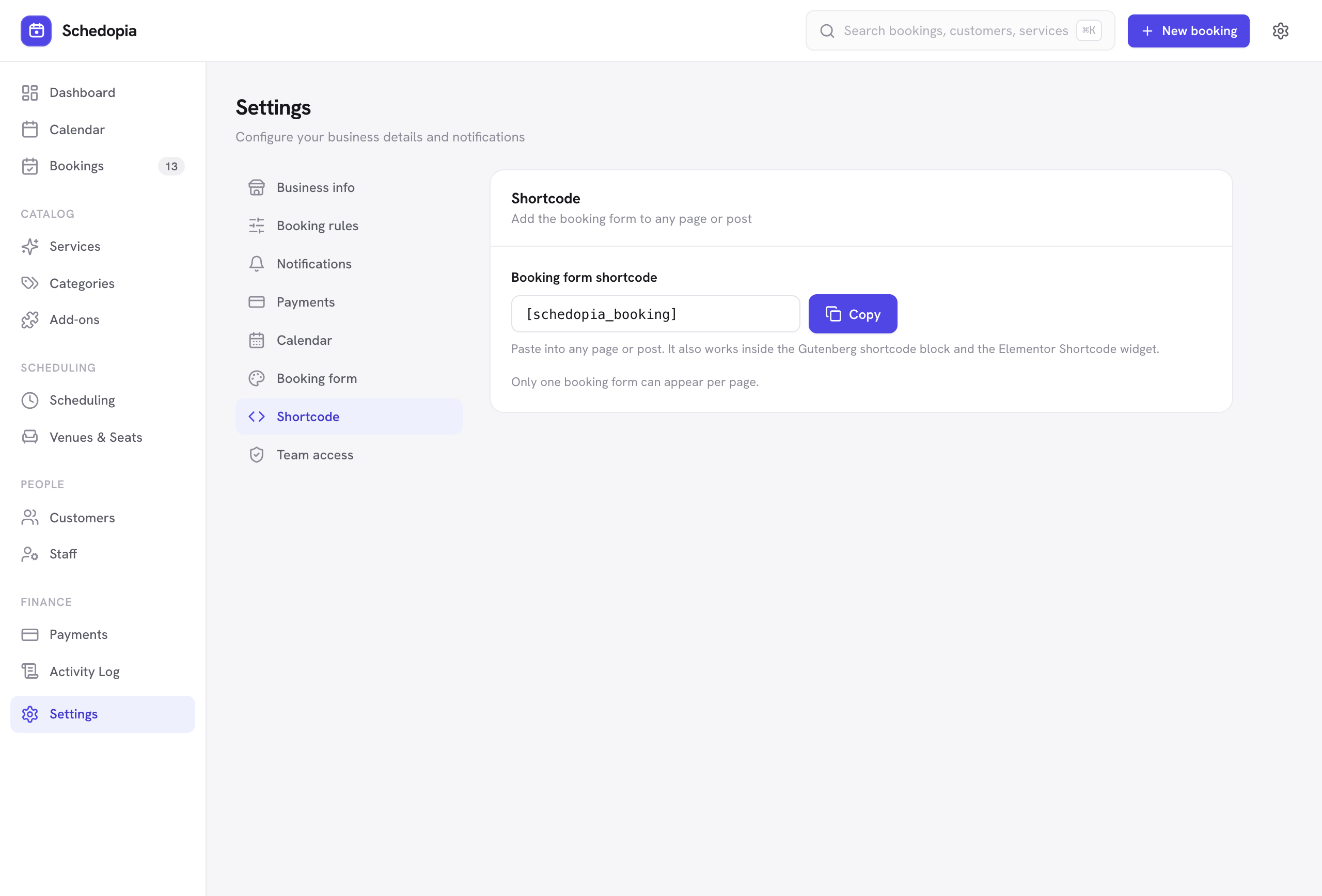
Every shortcode, ready to copy: the booking form and its options (a service chosen, one event’s seat map, only some services or events, only appointments or only events), the services, events, categories, staff and venues lists, and the customer account and sign-in shortcodes. The Booking page and Events page pickers set which page the list buttons open. See Adding the booking form.
Team access
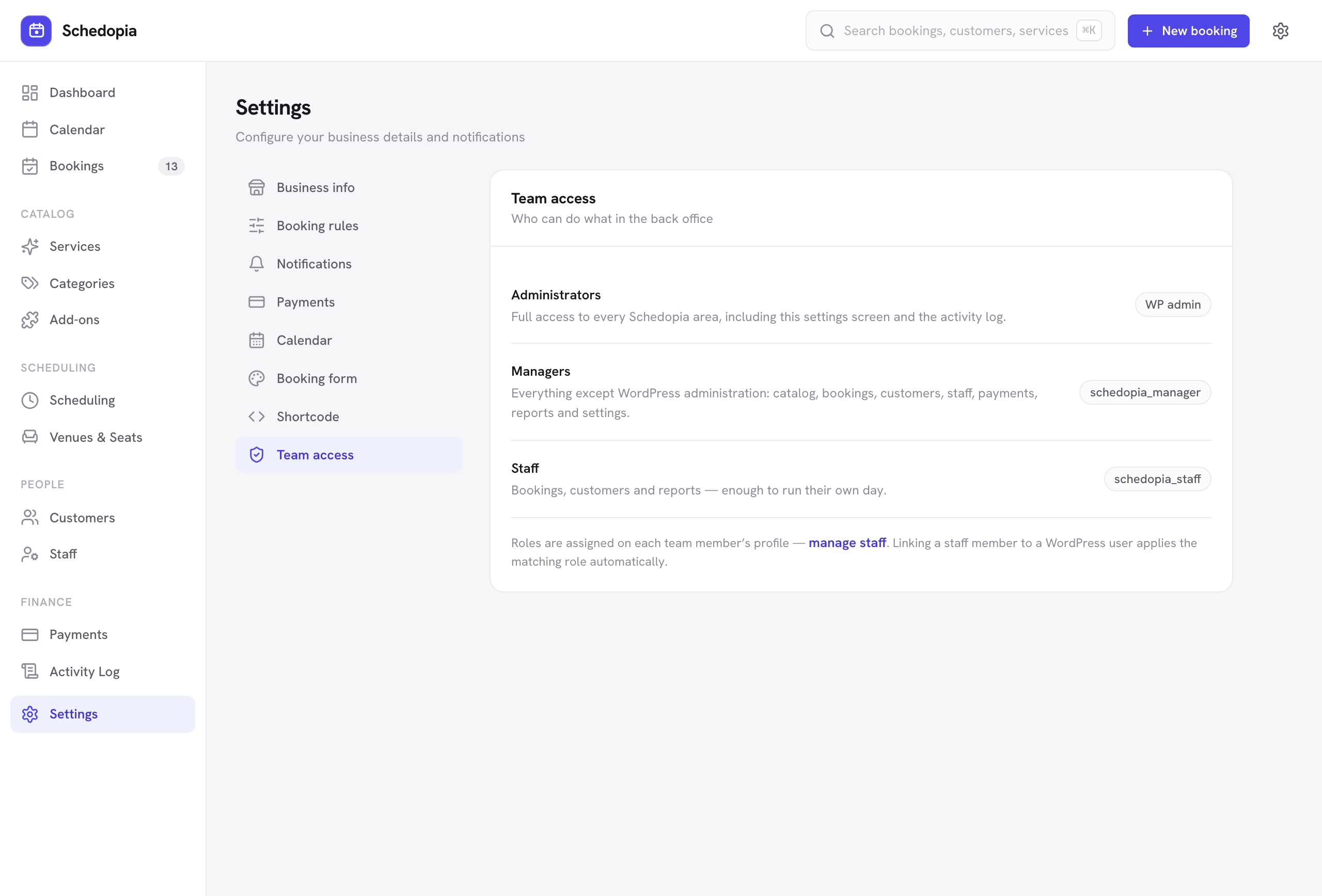
A read-only summary of what managers and staff can each reach. Roles are set per person on the Staff screen, not here.
Connect your AI
Switches the AI connection on and sets what a connected assistant may do. See Connect your AI.