Free
The activity log
A running record of what happened in Schedopia and who did it. When a booking is not where you expected, this is the screen that tells you why.
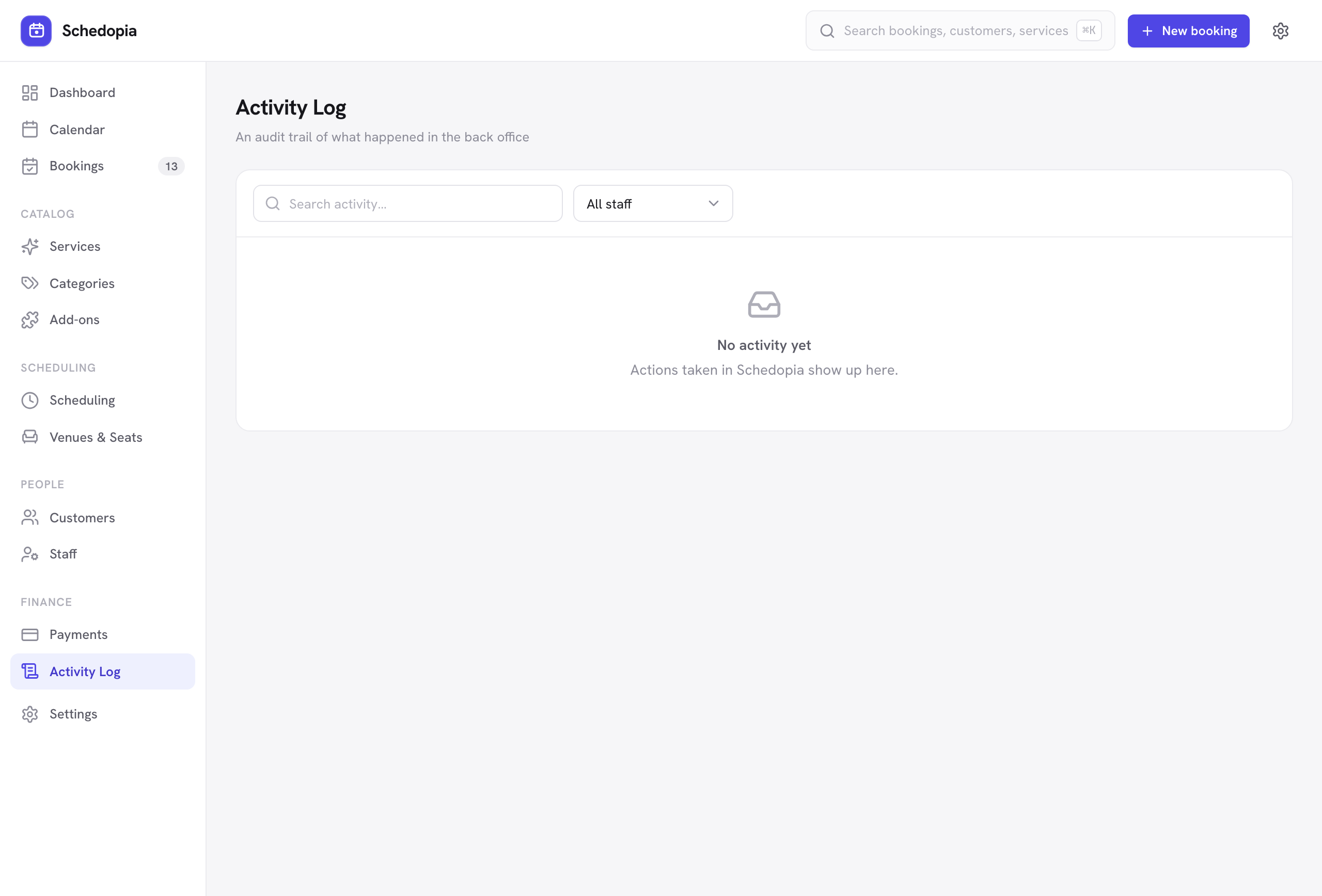
What gets logged
- Bookings created, updated, rescheduled and canceled
- Status changes — confirmed, completed, no-show
- Payments recorded and refunded
- Changes to your catalog, staff and settings
Each entry records what changed, who changed it, and when. Actions taken by a customer — booking through the form, or canceling from their email link — are attributed to the customer rather than to a member of staff.
The Staff column names the staff member when the person who made the change has their WordPress login linked to a staff record, and shows their WordPress user name otherwise. Pick a name from All staff to see only that person’s changes.
When it is useful
| Question | What to look for |
|---|---|
| “Who canceled this booking?” | The cancellation entry names the person, or shows it came from the customer’s own link. |
| “Why is this slot free?” | A cancellation or no-show releases the time — the log shows when. |
| “Did that price change go through?” | Catalog edits are logged with the change. |
| “Was this payment recorded twice?” | Each payment and refund appears separately. |
The activity log is restricted to WordPress administrators. Managers and staff can do their jobs without seeing an audit trail of everyone else's work.
How long entries are kept
Entries accumulate as you use the plugin. On a busy site the log grows steadily — that is expected, and it stays fast because it is stored in its own table and read in pages rather than all at once.